Power BI
Apr 21, 2025 10:19 PM
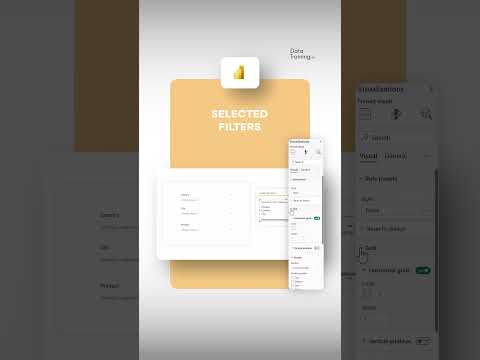
Power BI: Display Selected Filters Clearly in Your Reports
by HubSite 365 about How to Power BI
Power BI filters guide: Learn to show selected filters in reports easily! Boost data insights with Power BI tools.
Key insights
- Power BI allows users to create interactive reports with various filters applied.
- You can display which filters are currently selected in a report for better clarity and transparency.
- This feature helps viewers understand the data context and how their selections affect the visualizations.
- Using DAX functions, you can show filter values directly on the report page as text or visuals.
- The technique improves user experience by making reports more informative and easier to interpret.
- Showing active filters is especially useful when sharing or presenting Power BI dashboards to others.
Keywords
Power BI filter selection highlight Power BI show selected filters Power BI report filter visualization Power BI dynamic filter display Power BI slicer selection indicator Power BI filter status display Power BI interactive filters highlight Power BI dashboard selected filters
HubSite 365 Apps