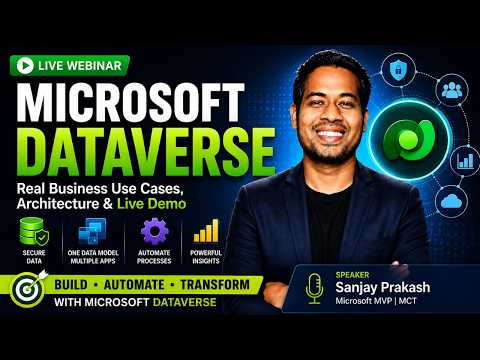
Microsoft Dataverse
Jul 29, 2026 3:40 PM
Microsoft Dataverse: Business Use Cases
by HubSite 365 about Softchief Learn
Learn how to take advantage of your business data with Microsoft Dynamics 365 & Power Platform & Cross Technologies. My name is Sanjaya Prakash Pradhan and I am a Microsoft Certified Trainer (MCT) and
Microsoft Dataverse for Dynamics and Power Platform centralize data secure apps with Power Apps and Power Automate
Key insights
- Microsoft Dataverse: A cloud-based, low-code data service that stores and manages business data for Power Platform and Dynamics 365.
It provides a secure, centralized data backbone so teams can build apps faster and avoid custom data plumbing. - Common Data Model (CDM): A shared schema that standardizes business entities and attributes across apps.
CDM helps teams reuse data definitions and accelerate integration between systems. - Tables, Columns & Relationships: Dataverse uses relational tables, columns, views and forms to model business data.
These building blocks support business rules, validations, and consistent data handling across apps. - Power Platform Integration: Dataverse connects natively with Power Apps and Power Automate to build model-driven apps and workflows.
It supports both low-code creators and pro developers via APIs and extensibility options. - Enterprise Security & Governance: Role-based access, auditing, and data protection features help meet compliance and governance needs.
Security controls and logging let organizations manage who sees and edits sensitive records. - Real Business Use Cases: Practical scenarios include sales pipeline management, customer service automation, vendor and expense tracking, and field service operations.
Recorded demos show how Dataverse supports process automation, analytics, and scalable application deployment.

Keywords
Microsoft Dataverse webinar, Dataverse business use cases, Recorded Dataverse webinar, Microsoft Dataverse explained, Dataverse tutorial for businesses, Power Platform Dataverse use cases, Dataverse data modeling best practices, Dataverse integration examples