Power BI
May 9, 2025 10:49 AM
Power BI’s Latest Style Presets: Elevate Your Report Design
by HubSite 365 about How to Power BI
Power BI Style Presets: Explore new design options with Microsoft Power BI tools for enhanced data visualization.
Key insights
- Power BI introduces new Design Options to help users create visually appealing reports more easily.
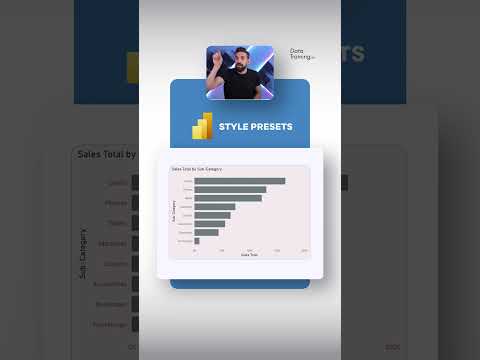
- The update includes Style Presets, which are ready-made design templates you can apply with one click.
- Style Presets change the look of your entire report, including colors, fonts, and backgrounds, making it faster to customize visuals.
- You can preview different Presets before applying them, helping you choose the best style for your data presentation.
- This feature is useful for both beginners and experienced users who want consistent and professional-looking reports.
- The new design options save time by reducing manual formatting and help maintain branding across multiple Power BI reports.
Keywords
Power BI design options Power BI style presets Power BI customization Power BI themes Power BI visual styles Power BI report design Power BI formatting tips Power BI user interface
HubSite 365 Apps