Power BI
Jan 1, 2025 11:00 PM
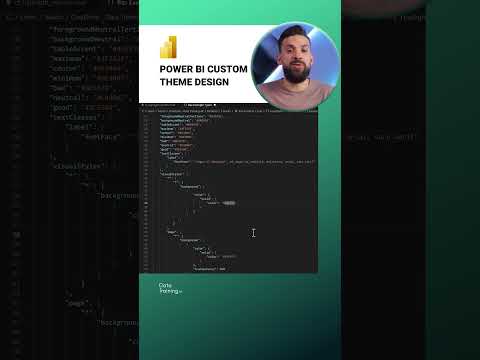
Power BI: Elevate Your Design with Custom Themes for UX/UI Mastery
by HubSite 365 about How to Power BI
Power BI custom themes enhance UX/UI design. Leverage PowerPoint, Excel for seamless data visualization and reporting.
Key insights
- Custom Theme: Learn how to create and apply a custom theme in Power BI to enhance the visual appeal of your reports.
- User Experience (UX): Understand the importance of designing with the user's experience in mind, ensuring ease of navigation and readability.
- User Interface (UI): Explore techniques for crafting an intuitive interface that aligns with your data presentation goals.
- Design Principles: Discover key design principles that help in creating effective and visually appealing dashboards.
- Thematic Consistency: Maintain a consistent theme across all report elements to ensure a professional look and feel.
- Power BI Tools: Utilize built-in tools within Power BI for customizing themes and enhancing your report's design quality.
Keywords
Custom Power BI Theme Design, Power BI UX UI Tips, Create Custom Themes Power BI, Power BI User Experience Design, Designing UI in Power BI, Customizing Themes in Power BI, Advanced Power BI Theme Design, Enhance UX with Power BI.
HubSite 365 Apps