Image Source: Shutterstock.com
M365 Admin
Sep 10, 2024 6:00 AM
How To Design A Microsoft Teams Onboarding Template To Speed Up User Provisioning
by Callroute
Automate Microsoft Teams provisioning using Callroute's self-service portal.
This guide covers resources to help with onboarding, what you should include in an onboarding template, and the ultimate template to speed up user provisioning in Microsoft Teams.
The process of onboarding new staff takes too long. Nobody ever gives the complete detail of what they might need one day.
New users to the business, don’t know enough about their role yet. You can’t expect the HR team, tasked with getting them set up, to know every single app they’ll ever need. Or, more pertinently to this blog post, every Microsoft Teams channel they’ll need or which policies and features they’ll need on day 1, 31, or 301.
Many don’t measure the impact that inefficient onboarding has on your business. To both users and IT admins. But also, to the department heads who needed an instant impact. And to the recruitment team who only get their bonus when a new starter passes their probation. And the business unit that needs to improve its figures. Oh, and the existing staff who are under pressure because they’re a member of personnel down.
Inefficient onboarding has an impact that spirals out of control if you let it.
Onboarding users to Teams is the most important element of the new starter process. Without the right access to Teams, new users can be sat twiddling their thumbs for days, weeks, or even months.
These days, everything gets done in Teams. Microsoft and various partners and integrators have created documentation and advice to help not just speed up the process, but make sure everything gets done right the first time.
The importance of getting it right first time ensures your Microsoft Teams management costs remain as efficient as possible.
Resources to help with Teams onboarding
Microsoft has its own onboarding guide called New Employee Onboarding (NEO). These provide dummy environments to help people get used to the layout of Teams, SharePoint, and OneDrive before they start using them in the real world.
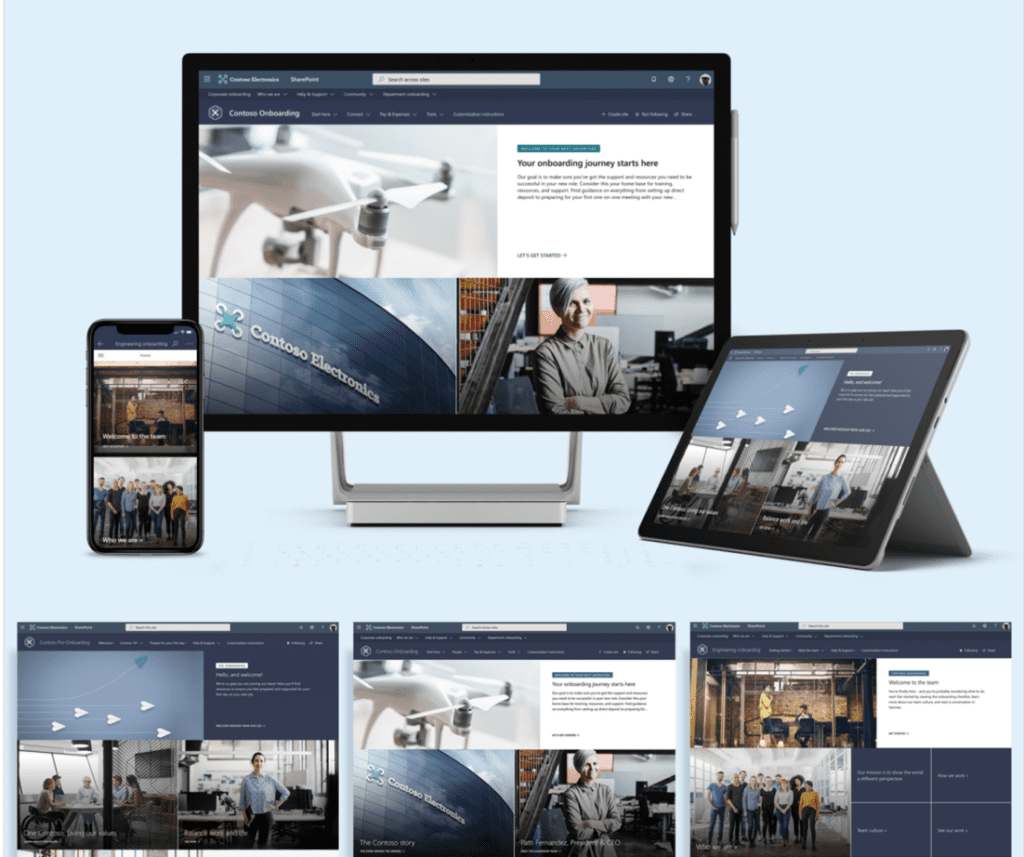
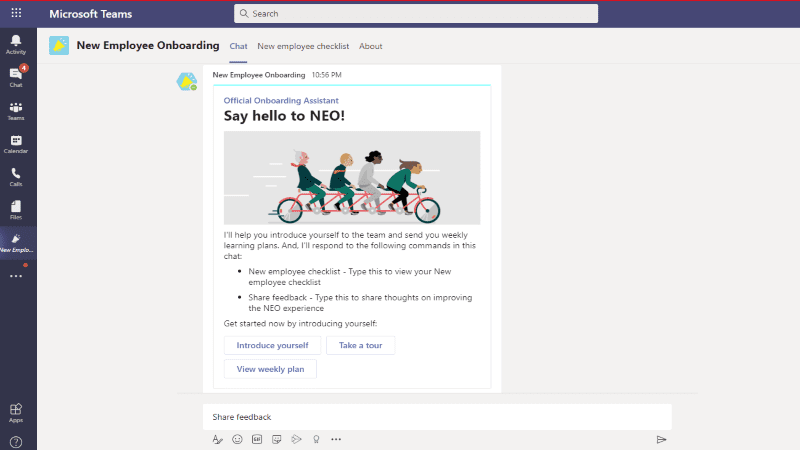
NEO also lets you create an onboarding journey that walks new hires through a list of administrative, technology, culture, training, and connection-related to-dos.
This is a great resource for new hires to use when you’ve set them up. You should use them to build a custom onboarding document, unique to your business.
But it’s also important to factor in the tasks you need to complete before a user even starts.
How do I create an onboarding document?
Your company’s onboarding document should include everything a new starter needs to get off to a flying start, making them feel empowered and giving them the ability to accomplish several things within the first day.When creating your overall onboarding document, make sure you include the following:
- Introduction to the company
- Welcome from the CEO/MD/founders
- Important contact information
- Department overview
- Vital role-specific information
- Policies and procedures (HR, remote working, etc.)
- Employee benefits registration
- Workspace and equipment requests
- Training sign up
- Goals for the end of their first day, week, and month
- Technology overview and access
This final component is ensuring the tool new starters will be using the most (Teams) is not just ready for them to use, but ready for them to thrive. The last thing you want for your new starters is to stumble on the first day. This invites ticket raising and thumb twiddling.
To avoid this, you need to factor in all nuances of Teams for the individual, or at least their department or user type. We factor in building personas (and how to auto-provision them) in our Microsoft Teams onboarding template below.
Microsoft Teams onboarding template
At Callroute, we are focus on making Teams user and phone management easy. We asked Chat GPT to create a Microsoft Teams onboarding template. (That’s what it’s for, right?).
It created a basic, but good, 11-part template that we think will suffice for small to medium businesses including instructions and copy to use. Click to see The ChatGPT onboarding template.
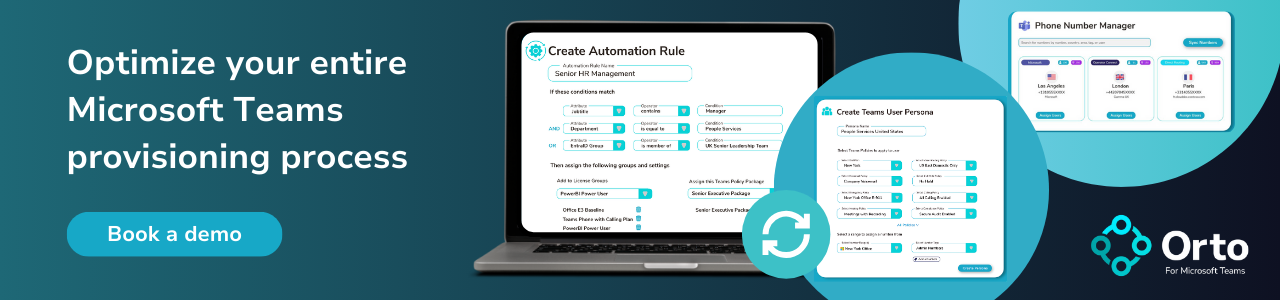
This is useful for small teams and for users who’ve never or infrequently used Teams. For a more thorough Microsoft Teams onboarding template and process that can speed up your user provisioning, we recommend looking for an automated user provisioning tool like Orto for Teams that can run your user provisioning for you based on custom-built user personas.
HubSite 365 Apps