Microsoft Copilot Studio
Sep 9, 2026 10:48 PM
Agent Builder: Must-Know Update
by HubSite 365 about Daniel Anderson [MVP]
A Microsoft MVP 𝗁𝖾𝗅𝗉𝗂𝗇𝗀 develop careers, scale and 𝗀𝗋𝗈𝗐 businesses 𝖻𝗒 𝖾𝗆𝗉𝗈𝗐𝖾𝗋𝗂𝗇𝗀 everyone 𝗍𝗈 𝖺𝖼𝗁𝗂𝖾𝗏𝖾 𝗆𝗈𝗋𝖾 𝗐𝗂𝗍𝗁 𝖬𝗂𝖼𝗋𝗈𝗌𝗈𝖿𝗍 𝟥𝟨𝟧
Microsoft Agent Builder guide: combine agents into skills with Copilot, SharePoint and OneDrive for executive dashboards
Key insights
- Agent Builder is Microsoft’s built-in, lightweight tool for creating AI assistants inside Microsoft 365 Copilot.
Use Copilot Studio when you need deeper customization or enterprise features. - The 2026 update improves the creation experience rather than agent behavior: clearer build-to-test flow, a Try it toggle for live testing, and default enablement across Copilot tiers.
Admin and publishing controls remain unchanged. - Think in roles: the agent is the “who” and a skill is the “how.”
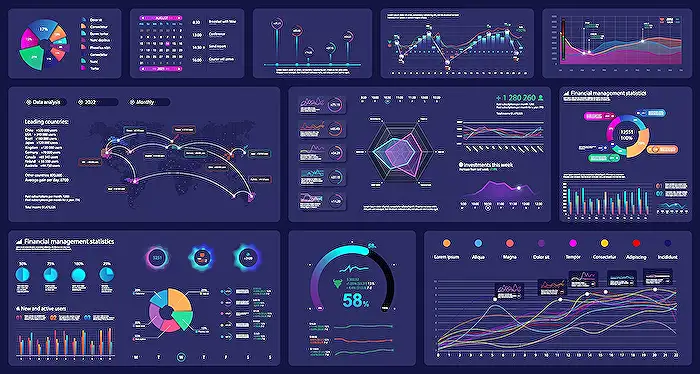
Add an agent for a new responsibility and add skills for specific tasks — the walkthrough shows moving separate report agents into skills under one project manager agent. - The demo covers the skill workflow: packaging and uploading a skill, connecting design instructions, summarizing project data from SharePoint, and producing an executive HTML dashboard you can open in OneDrive and refine with Copilot.
- Recent builder features speed creation: AI-generated agent icons, new templates, additional knowledge sources (People, OneNote), and a Copy to Copilot Studio path for advanced work; custom skills are available via Frontier Preview.
- This matters because it lowers friction for makers and helps organizations deliver assistants faster while keeping existing governance intact.
Choose an agent when you add a new purpose, and choose a skill when you add a specific task.
Keywords
Agent Builder update 2026, how to use Agent Builder, Agent Builder features and changes, Agent Builder tutorial for developers, Agent Builder release notes, Agent Builder best practices, Agent Builder pricing and plans, Agent Builder vs other AI agents