SharePoint Online
Oct 7, 2026 9:35 PM
OneDrive & SharePoint: Meet Hero Link
by HubSite 365 about Ami Diamond [MVP]
M365 Adoption Lead | 2X Microsoft MVP |Copilot | SharePoint Online | Microsoft Teams |Microsoft 365| at CloudEdge
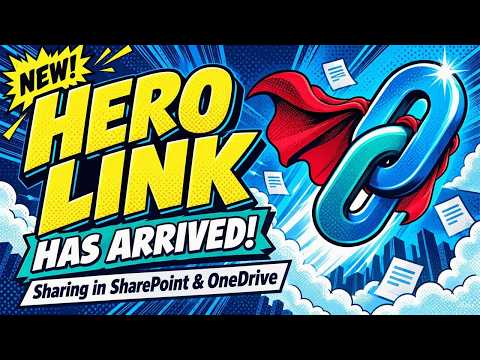
Hero Link unifies OneDrive and SharePoint sharing letting admins update permissions without new links and cut link sprawl
Key insights
- Hero Link: A single primary sharing link is assigned to each file or folder and is used when you copy a link, email an item, or grab the browser URL.
It replaces multiple separate links so the same URL stays valid as access changes. - Update permissions: You can change who the Hero Link allows without creating a new URL.
This makes permission changes faster and reduces link clutter. - Default audience: By default the link is set to Only people added to the file, so the URL alone does not grant access.
Administrators control whether links may be broadened to organization-wide or public access per tenant policy. - Other Links: Existing sharing URLs remain functional and appear under an Other Links section in the sharing dialog.
The dialog shows the Hero Link plus older links so teams do not need to recreate previous sharing setups. - Admin and folder controls: Admins can set site-level default audiences and allow folder permission changes to flow down to items.
People with edit rights can reshare items and add collaborators when allowed. - Consistent sharing experience: The Hero Link works across OneDrive, SharePoint, Teams, and Microsoft 365 to simplify collaboration.
Microsoft begins rolling this out in October 2026, and the sharing dialog becomes the central place to review and manage access.

Keywords
OneDrive hero link, SharePoint hero link, Hero Link feature, OneDrive update, SharePoint navigation update, Microsoft 365 collaboration, Hero Link rollout, OneDrive SharePoint new feature
HubSite 365 Apps