Microsoft Copilot Studio
Oct 5, 2026 3:50 PM
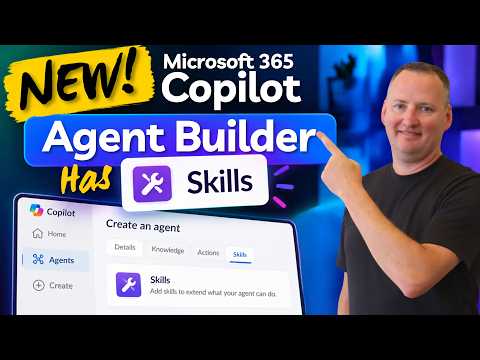
Copilot Agent Builder Adds Skills
by HubSite 365 about Shane Young [MVP]
SharePoint & PowerApps MVP - SharePoint, O365, Flow, Power Apps consulting & Training
Microsoft expert: Agent Builder skills beat Coworker and Copilot Studio, Power Apps integration, no extra Copilot cost
Key insights
- Skills are modular, reusable components that let a Copilot agent perform repeatable tasks reliably.
Each skill must include a SKILL.md file with instructions and can include supporting files or scripts. - You can add a skill by uploading a .zip package or by describing it in natural language so Agent Builder creates it for you.
Open an agent, go to Configure → Skills → Add, upload the package, then test it from the Try it tab. - Microsoft sets clear packaging limits: an agent can hold up to 8 skills, each package can be up to 50 MB, and instructions must stay under 20,000 characters with YAML front matter for name and description.
- Skills improve productivity by enabling reusability and more reliable task execution for multi-step workflows like templated reports or recurring email drafts.
They cut friction by letting non-developers add functionality without full application code. - The feature is preview-only and currently restricted to organizations in the Microsoft Frontier Program.
Some scenarios also require a qualifying Microsoft 365 Copilot license or pay-as-you-go access; in the demo shown, no extra credit cost was charged beyond the Copilot license. - Agent Builder now sits alongside tools like Coworker and Copilot Studio rather than replacing them.
Notable new options include the Use Everywhere feature, and a blind comparison in the demo favored Agent Builder’s results.

Keywords
Microsoft 365 Copilot Agent Builder, Copilot Agent Builder skills, Microsoft Copilot Agent Builder update, Copilot skills for Microsoft 365, Copilot Agent Builder tutorial, Copilot automation skills, Build Copilot agents Microsoft 365, Copilot skills marketplace