Microsoft Copilot
Sep 10, 2026 7:33 PM
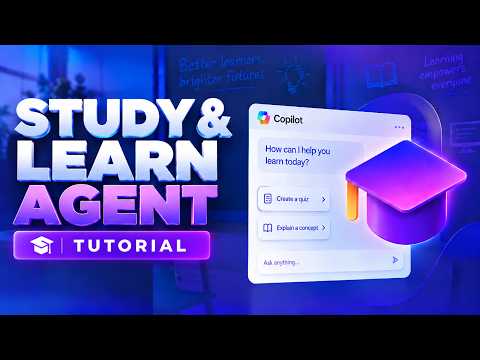
Copilot: Study & Learn Agent Quick Guide
by HubSite 365 about Mike Tholfsen
Principal Group Product Manager - Microsoft Education
Copilot Study & Learn agent uses learning science to guide students with adaptive practice on Microsoft three sixty five
Key insights
- Study & Learn agent is an AI learning coach inside Microsoft 365 Copilot that guides students to understand and practice concepts instead of just giving answers.
It is available to students and educators with education licenses when Copilot Chat is enabled. - Built on Learning Science, the agent uses scaffolded conversations that ask questions, give hints, and step learners through problems.
This guided approach supports thinking, correction, and better retention. - Interactive study activities include auto-generated flashcards, quizzes, matching exercises, and fill‑in‑the‑blank tasks from your materials or topic prompts.
You can upload documents, slides, PDFs, or notes to ground practice in real coursework. - To use it, open the Microsoft 365 Copilot app on web or desktop, find Study & Learn in the left navigation or Chat dropdown, then start a session and choose a study mode.
Answer the agent’s prompts and request step‑by‑step explanations to practice active recall. - Microsoft 365 Education access is required and the feature follows age‑gating rules: available for users 13 and older, with K‑12 tenants needing IT admins to enable Copilot Chat; accounts under 13 cannot use it.
Admins control visibility and settings for school tenants. - The main benefit is combining personalized tutoring with on‑demand practice to help students study more effectively and help educators scale support.
The design encourages active recall, reflection, and repeated practice for deeper learning.

Keywords
study and learn agent copilot tutorial, how to use study and learn in copilot, copilot learning agent guide, copilot study mode walkthrough, copilot study and learn tips, copilot agent for students, step by step copilot study tutorial, maximize learning with copilot agent