Teams
Sep 23, 2026 1:20 PM
Microsoft Teams: Use Learning Activities
by HubSite 365 about Mike Tholfsen
Principal Group Product Manager - Microsoft Education
Microsoft Teams Assignments Learning Activities let teachers add flashcards blanks matching, students complete in Teams
Key insights
- Microsoft’s Learning Activities in Microsoft Teams Assignments let teachers attach interactive, practice-focused tasks directly to assignments, and they are meant for review rather than grading.
- To add activities, teachers follow a simple Teacher workflow: open Assignments, select Learning Activities in the resources area, choose or build an activity, and save it to the assignment; you can attach more than one.
- For students, the Student workflow keeps practice inside the assignment: learners open and complete activities in Teams and can also create their own study sets from shared documents or PDFs.
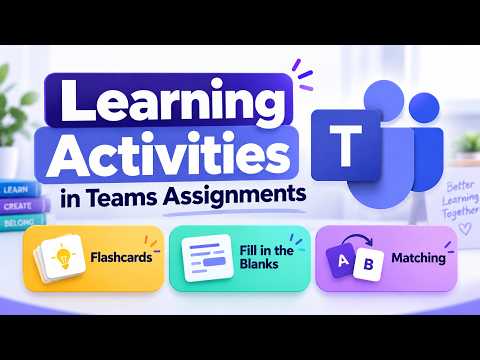
- Supported Interactive activities include flashcards, matching, fill-in-the-blanks, and quizzes; these run inside Teams so students can practice repeatedly without leaving the assignment flow.
- The feature supports LMS integration via Microsoft 365 LTI and provides Engagement tracking, showing whether students started or finished activities, how far they progressed, and deeper analytics in the Learning Activities view.
- Key advantages: less context switching, more interactive and self-paced review; key limitation: Non-graded practice — these activities do not affect assignment scores, rubrics, or the gradebook.

Keywords
Microsoft Teams learning activities, Teams assignments tutorial, learning activities in Teams, Teams assignments for teachers, Teams assignments for students, interactive learning activities Teams, create assignments in Microsoft Teams, grading assignments in Teams
HubSite 365 Apps