Microsoft Copilot
Mar 23, 2026 7:14 AM
Microsoft 365 Copilot: Work in Your Apps
by HubSite 365 about Nick DeCourcy (Bright Ideas Agency)
Consultant at Bright Ideas Agency | Digital Transformation | Microsoft 365 | Modern Workplace
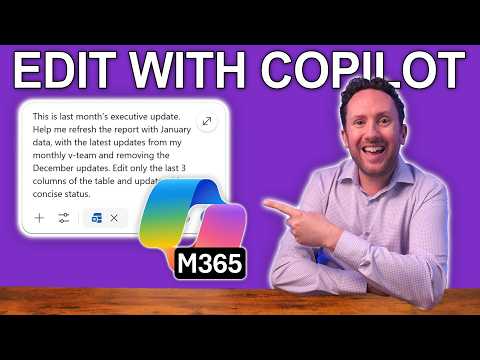
Microsoft Copilot in Word Excel PowerPoint Outlook adds Edit with Copilot to speed documents emails and spreadsheets
Key insights
- Edit with Copilot (formerly Agent Mode) is an in-app assistant that turns simple natural-language commands into real edits and actions inside Microsoft 365 apps.
It is generally available in Word and Excel now, with rollout planned for PowerPoint and Outlook. - Word use cases: generate and revise drafts, apply consistent tone and formatting, and produce summaries or rewrites on demand.
Excel use cases: create formulas, build data summaries, and automate routine data-cleaning and analysis tasks. - PowerPoint and Outlook capabilities (coming soon): speed slide creation and design suggestions, and help draft, edit, and organize emails and calendar items directly within the app.
- Agentic behavior means Copilot performs actions for you instead of only suggesting steps; you give a command and Copilot edits the file or runs the task.
Use clear, specific prompts to get reliable, repeatable results. - Responsible AI and data privacy: demonstration content is synthetic; real deployments require governance, access controls, and user training to protect sensitive data.
Apply policies and review outputs to ensure compliance and accuracy. - Adoption best practices: start with small, repeatable tasks, confirm Copilot outputs before publishing, keep an audit trail, and train teams on prompt design and oversight.
Monitor results and refine prompts to embed Copilot into daily workflows safely and effectively.

Keywords
Microsoft 365 Copilot integration, integrate Copilot into apps, Copilot for Microsoft apps, Microsoft Copilot developer guide, Copilot API integration, add Copilot to custom apps, Copilot AI assistant for Office, enterprise Copilot deployment