All about AI
Aug 26, 2026 10:59 PM
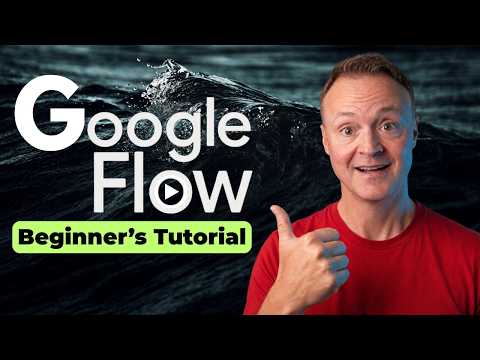
Google Flow: AI Filmmaking Guide
by HubSite 365 about Teacher's Tech
Microsoft expert on AI filmmaking with Azure AI and Clipchamp storyboarding agent cost control and character continuity
Key insights
- Google Flow is an AI filmmaking studio from Google that combines text prompts, images, and storyboards to make cinematic clips and scenes.
It uses Google's generative models to give a filmmaking-first interface instead of a single prompt box. - Flow gives strong cinematic consistency and creative control over subjects, motion, lighting, style, camera direction, and continuity across scenes.
That makes it useful for short films, concept scenes, and iterative visual development. - Basic workflow: start a project, pick Text to Video, write a detailed scene prompt, set aspect ratio and outputs, then generate and review clips.
The built-in Agent asks clarifying questions and helps storyboard before you spend credits. - Advanced tools include frame-to-video to animate key frames, Nano Banana 2 for image edits, new camera angles from one clip, and reusable characters or avatars for consistency.
You can fix a small detail without regenerating an entire clip to save time and credits. - Flow uses a credits system and shows a cost approval step before generating clips so you control spending; settings let you adjust defaults for image and video quality.
Agent instructions and brand rules can lock in style and stop common errors like wrong on-screen text. - Flow runs on Google models including Veo 3.1, which improves prompt adherence, audiovisual realism, and native audio generation for sounds and dialogue.
Access requires being 18+, a supported region, and a Google AI Pro/Ultra/Plus subscription or qualifying Workspace/education plan.

Keywords
Google Flow AI filmmaking, Flow AI tutorial, Google Flow video generation, AI filmmaking tools, generative video AI, AI-driven film production, Flow by Google features, Flow filmmaking workflow
HubSite 365 Apps