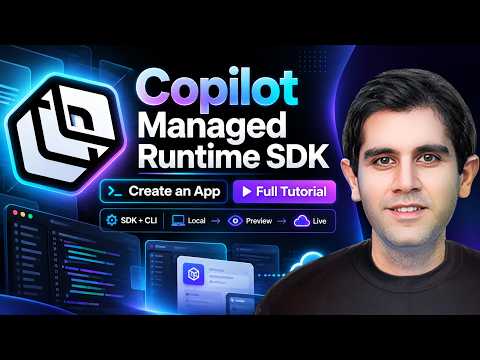
Microsoft Copilot
Sep 28, 2026 6:21 PM
Copilot SDK & CLI: Build, Try & Deploy
by HubSite 365 about Reza Dorrani
Principal Program Manager at Microsoft Power CAT Team | Power Platform Content Creator
MS expert guide to build preview deploy managed apps with Copilot Managed Runtime SDK and CLI in VS Code and SharePoint
Key insights
- Copilot Managed Runtime: A Microsoft-hosted platform that runs apps inside your organization’s tenant boundary with built-in governance and lifecycle controls.
It keeps apps under IT control while letting developers deploy code-first enterprise apps. - SDK and CLI roles: The SDK connects your application code to the managed runtime host, and the CLI scaffolds projects, configures connectors, previews locally, and deploys versions.
Use both tools together to move smoothly from development to production. - Full development lifecycle: The toolchain supports creating projects, local preview, Git-backed development, preview environments, and live deployment.
It also works with VS Code and AI coding agents to speed app creation and iteration. - Enterprise advantages: Administrators control apps from the Microsoft 365 admin center, applying tenant policies, sharing rules, and monitoring across managed apps.
This central control simplifies compliance and governance for deployed apps. - Developer-friendly model: The runtime supports typed TypeScript services and generated connectors (for example, SharePoint lists) so you can build structured, connector-based apps.
The model reduces handoffs and helps teams work with familiar code tools. - Preview and caution: The platform is in public preview, so APIs and templates can change; test in a development tenant and expect updates.
Plan for iterative updates before adopting the runtime in production environments.

Keywords
Microsoft Copilot Managed Runtime SDK, Copilot CLI tutorial, Build apps with Copilot SDK, Preview Copilot apps, Deploy Copilot apps, Copilot Managed Runtime guide, Copilot SDK examples, Copilot app development workflow