Excel
Dec 27, 2024 12:15 AM
Excel Mastery: Instantly Resize Rows & Columns Like a Pro!
by HubSite 365 about Alan Murray (Computergaga)
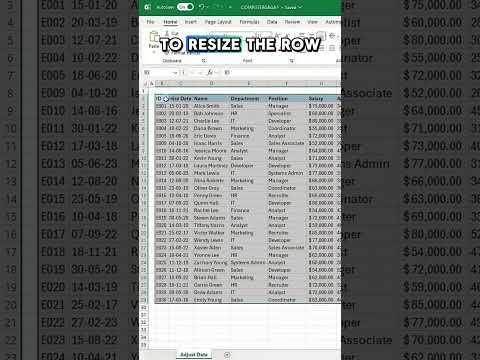
Excel Tips: Adjust Rows & Columns in Excel Quick Guide - Boost Productivity with Microsoft Excel Tips Video
Key insights
- Discover a quick method to adjust rows and columns in Excel for better data presentation.
- Learn the importance of using the AutoFit feature to automatically resize cells based on content size.
- The video demonstrates how to use the "Double-click" technique on column or row borders for instant resizing.
- Understand how this method can save time and improve efficiency when working with large datasets.
- This tip is especially useful for enhancing the readability of spreadsheets by ensuring all data is visible without manual adjustments.
- The process helps maintain a clean and organized look in your Excel sheets, crucial for professional presentations and reports.
Keywords
Excel tips adjust rows columns quick Excel tutorial resize cells efficiently Excel shortcuts formatting guide spreadsheet optimization Microsoft Excel tricks data management
HubSite 365 Apps