Excel
Jan 17, 2025 4:25 AM
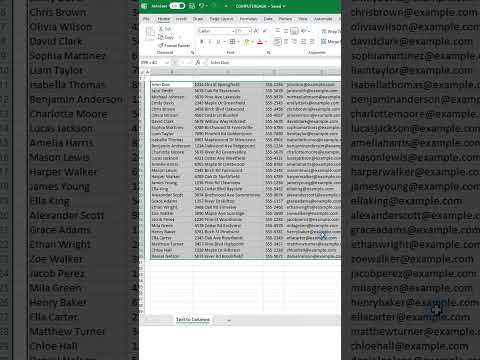
Excel: Unlock Pro-Level Skills in Text-to-Columns Splitting!
by HubSite 365 about Alan Murray (Computergaga)
Excel Tips: Split Text to Columns, Enhance Data Management, Master Excel with Microsoft Office 365 Tools!
Key insights
- Learn to split text into columns in Excel efficiently.
- This technique is useful for organizing data, such as separating names and addresses.
- The feature can be found under the "Data" tab, labeled as "Text to Columns".
- You have two options: Delimited, which separates text based on a specific character like a comma or space, and Fixed Width, which splits at specified intervals.
- This tool helps improve data analysis by making information more accessible and manageable.
- Mastering this skill can enhance productivity and accuracy in handling spreadsheets.
Keywords
Excel tips split text columns Excel tutorial data management spreadsheet tricks Excel guide text to columns Excel shortcuts
HubSite 365 Apps