Microsoft Copilot
May 25, 2026 6:36 AM
Copilot in Excel: Add Checkbox Column
by HubSite 365 about Ami Diamond [MVP]
M365 Adoption Lead | 2X Microsoft MVP |Copilot | SharePoint Online | Microsoft Teams |Microsoft 365| at CloudEdge
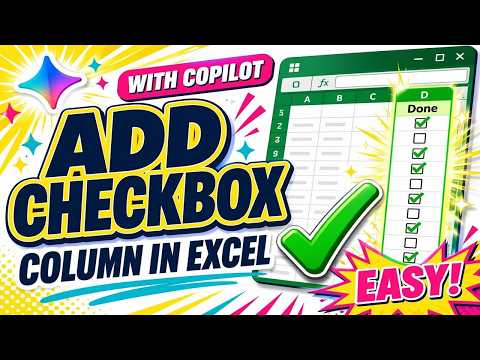
Microsoft expert: Copilot in Excel adds a checkbox column to speed automation and boost productivity YouTube Short
Key insights
- What a checkbox does
Use a checkbox to mark items as done, selected, or true/false in lists and trackers.
They work well in to‑do lists, attendance sheets, approval flows, and simple dashboards. - How to add a built‑in checkbox column
Select the cells you want, choose Insert > Checkbox, then click to toggle each box or press Space.
Remove them by selecting the range and pressing Delete. - Legacy Developer controls
If your Excel version lacks the new command, use Developer > Insert > Form Controls > Check Box and link each control via Format Control.
This method is more manual but still supported in older desktop builds. - What Copilot does
Copilot helps build formulas, summaries, and conditional logic that use checkbox states, but it does not create the checkbox feature itself.
Combine Copilot’s formula help with native checkboxes for faster workflows. - Values and formulas
Checked boxes return TRUE and unchecked return FALSE, so use them directly in IF, AND, and other logical formulas.
Use these values to count completions, flag rows, or drive calculations. - Conditional formatting and common uses
Pair checkboxes with Conditional formatting to highlight or dim rows, color-code status, or show progress visually.
For scalable results, use structured tables and range-based rules to apply formatting consistently.
Keywords
copilot excel checkbox column, add checkbox column excel, how to add checkboxes in excel with copilot, excel copilot add checkbox, microsoft copilot excel checkboxes, checkbox column tutorial excel, create checkbox column excel, insert checkbox column excel copilot
HubSite 365 Apps