Microsoft Copilot
May 21, 2026 12:31 AM
Copilot Notebooks: 9 File Insights
by HubSite 365 about Scott Brant
Helping you and your company achieve more in Microsoft 365
Microsoft expert: Copilot Notebooks become AI knowledge hub for SharePoint, Teams, PowerPoint, mind maps and audio
Key insights
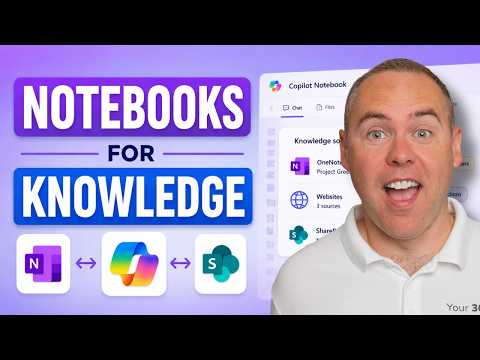
- Copilot Notebooks: Copilot Notebooks now acts as an AI-powered knowledge hub inside Microsoft 365, letting teams collect files, notes, chats, and web content into a single workspace for focused analysis and action.
- references: You can add SharePoint sites, Teams and SharePoint folders, Word/PPT/Excel files, OneNote pages, PDFs, Copilot Pages, meeting notes, and external websites as live references so Copilot uses the right source material.
- content generation: Notebooks can generate outputs directly—PowerPoint slides, summaries, flash cards, quizzes, study guides, audio overviews, and topic pages—so research becomes ready-to-use deliverables.
- sharing: You can share Notebooks with Teams and Microsoft 365 Groups and keep file links live, which helps teams collaborate on the same up-to-date sources without creating duplicate copies.
- content-aware assistance: Copilot now reasons across all notebook references for grounded answers, supports notebook-only chat, creates Mind Maps, and offers improved, customizable Audio Overviews for quicker understanding.
- knowledge management: Improved interface, smarter filtering, and tighter OneNote integration make Notebooks better for recurring reports, project tracking, and building a searchable team knowledge base.

Keywords
Microsoft Copilot Notebooks features, Copilot Notebooks new features, Copilot Notebooks file to knowledge, Turn files into knowledge Copilot, Copilot Notebooks knowledge extraction, Copilot Notebooks summarization, Copilot Notebooks file import and indexing, Copilot Notebooks AI workflow tools