Microsoft Copilot Studio
Aug 24, 2026 8:01 PM
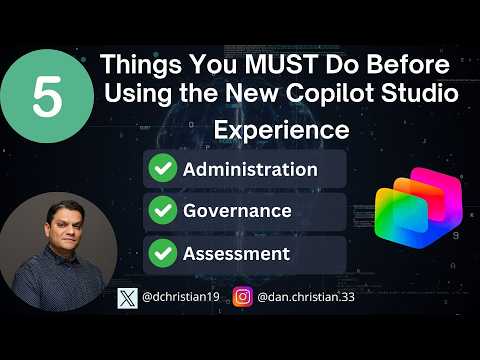
Copilot Studio: 5 Prep Steps You Need
by HubSite 365 about Daniel Christian [MVP]
Lead Infrastructure Engineer / Vice President | Microsoft MCT & MVP | Speaker & Blogger
Get Copilot Studio ready with governance, billing, testing and CoE review for GitHub Copilot, Power Platform and Azure
Key insights
- Copilot Studio overview: Microsoft’s end-to-end agent builder now focuses on a lifecycle workflow—Build, Preview, Evaluate, and Monitor. Expect stronger identity, model choice, orchestration, and automatic Microsoft Entra Agent IDs for new agents starting July 2026.
- Choose your harness: decide between the standard harness and the GitHub Copilot harness before building because available tools, features, and behaviors differ; the GitHub harness supports file attachments and workflow tools.
- Prepare the environment: configure your Power Platform tenant, set up dev/test/prod environments, assign admin permissions, and disable tenant drawing credits if needed to prevent unexpected usage or limits issues.
- Confirm licensing and billing: verify creators and end users have the correct licenses, choose a billing model now, and plan for billing changes as preview features transition to general availability.
- Establish governance: build a center of excellence with a review process for agent instructions, identity, scope, safety rules, and human review workflows; document approval and certification steps for MCP servers when required.
- Plan testing and cost alternatives: design play/learn/test scenarios, set monitoring and evaluation metrics, and compare alternative models and deployment options (for example Claude Sonnet 5 or GPT-5.5 Chat) to balance cost and capability before rollout.

Keywords
Copilot Studio setup checklist, Prepare for Copilot Studio, Copilot Studio prerequisites, Copilot Studio best practices, Copilot Studio security configuration, Copilot Studio onboarding tips, Copilot Studio user permissions guide, Copilot Studio deployment steps
HubSite 365 Apps