Pro User
- All of Microsoft
Timespan
explore our new search
PowerPoint
Aug 31, 2026 4:03 PM
PowerPoint AI: Boost Student Engagement
by HubSite 365 about Presentation Process YouTube
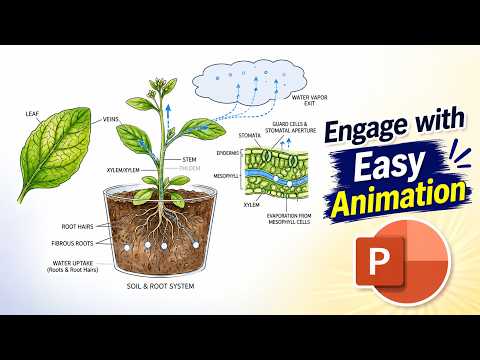
Microsoft expert: Teachers use AI images with Microsoft PowerPoint to craft animated lessons and motion path demos
Key insights
- Copilot — Microsoft’s generative AI inside PowerPoint that drafts slides, suggests layouts, and edits text when teachers give a prompt or upload materials.
- Teacher templates — Ready-made, classroom-focused slide templates on PowerPoint for the web that teachers can customize with text, visuals, charts, and infographics to save design time.
- Prompt-to-presentation workflows — Teachers can turn a topic prompt or uploaded files (Word, PDF, Excel, Loop) into a draft deck; include grade level, learning outcomes, and duration for better results.
- AI-generated speaker notes — Copilot can create or rewrite speaker notes, reorder slides, and adjust detail levels to help teachers present more confidently and cut prep time.
- Microsoft 365 Learning Activities — AI-powered classroom practice tools such as flashcards, fill-in-the-blanks, matching, and quick quizzes that make lessons more interactive and reinforce learning.
- Key benefits & best practices — Benefits include faster lesson creation, improved visual design, and more consistent lesson structure; best practice is to craft specific prompts, review AI output, and use Microsoft’s training for safe, effective use.

Keywords
AI PowerPoint lesson ideas, AI-powered lesson plans for teachers, Interactive PowerPoint with AI, AI-generated classroom activities, Engaging lessons using AI and PowerPoint, AI tools for classroom presentations, Create lessons with AI in PowerPoint, Teacher resources for AI-driven slides