Pro User
Timespan
explore our new search
Microsoft 365
Aug 1, 2026 8:39 PM
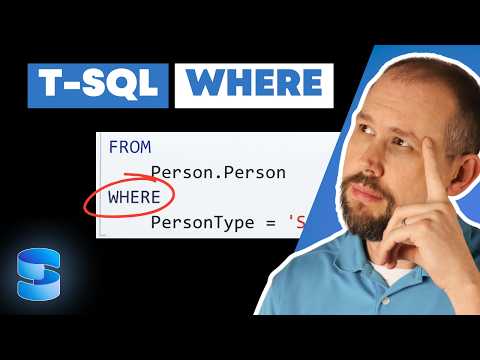
SQL WHERE Clause Explained Simply
by HubSite 365 about Pragmatic Works
Microsoft expert guide to the SQL WHERE clause in T-SQL for Power BI and Microsoft Fabric, filter at source for peak performance
Key insights
- WHERE clause: Use it to filter rows at the source so queries return only the data you need.
Filtering early improves query speed and reduces data transferred to reporting tools. - Basic pattern: Write queries as SELECT columns FROM table WHERE condition.
Example: SELECT * FROM Customers WHERE City = 'Seattle'; - Operators: Common tests include =, != (or <>), IN, NOT IN, LIKE with wildcards, numeric comparisons, and date checks.
Use AND and OR to combine conditions. - Use in other statements: Apply WHERE to target rows in UPDATE and DELETE so only intended rows change or are removed.
- Date filters and performance: Avoid wrapping columns in functions (for example YEAR(column)) because it can prevent index use.
Prefer direct date ranges like date >= '2024-01-01' AND date < '2025-01-01' for faster queries. - Practical tips: Select only needed columns before filtering, sort results with ORDER BY after filtering, and test filters on large tables to check performance.
Keywords
SQL WHERE clause, WHERE clause examples, SQL filtering with WHERE, SQL WHERE tutorial, SQL conditional queries, SQL comparison operators WHERE, WHERE vs HAVING, Beginner SQL WHERE clause