Pro User
- All of Microsoft
Timespan
explore our new search
SharePoint Online
Oct 1, 2026 3:49 PM
SharePoint: Use Raw HTML in Pages
by HubSite 365 about Ami Diamond [MVP]
M365 Adoption Lead | 2X Microsoft MVP |Copilot | SharePoint Online | Microsoft Teams |Microsoft 365| at CloudEdge
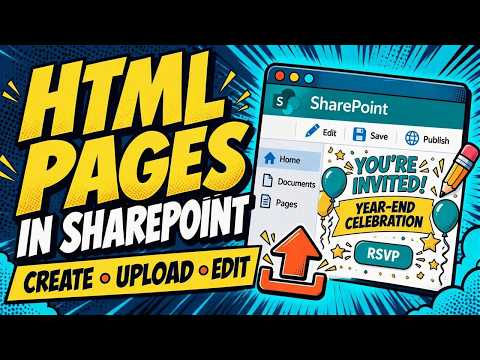
Microsoft SharePoint expert: upload and edit HTML pages that keep site header and navigation, no iframes, modern pages
Key insights
- HTML pages in SharePoint
Microsoft now treats uploaded or created HTML as a first-class page type that you can edit, publish, and share inside the Site Pages library. - Seamless site experience
HTML pages keep the SharePoint header and navigation and avoid iframes or double scrollbars, so users stay inside a consistent site experience. - Copilot and content creation
You can generate new HTML pages with Copilot or author them manually, which speeds page creation and reduces rework. - Upload and reuse
Teams can upload existing .html files into Site Pages to reuse dashboards, landing pages, or custom content without rebuilding with web parts. - How it works
From a SharePoint site use + New > HTML page, choose create with Copilot or upload a file, save to Site Pages, then edit and publish as normal. - Rollout and limits
The feature is rolling out in stages through late 2026 and tenant availability may vary; some JavaScript runs in a sandbox and certain dynamic behaviors can be limited.

Keywords
SharePoint HTML web part, embed HTML in SharePoint, modern SharePoint HTML, custom HTML SharePoint, SharePoint page formatting, SharePoint web part tutorial, HTML embed tutorial SharePoint, SharePoint content authoring