Pro User
- All of Microsoft
Timespan
explore our new search
Microsoft Copilot
Sep 25, 2026 7:20 AM
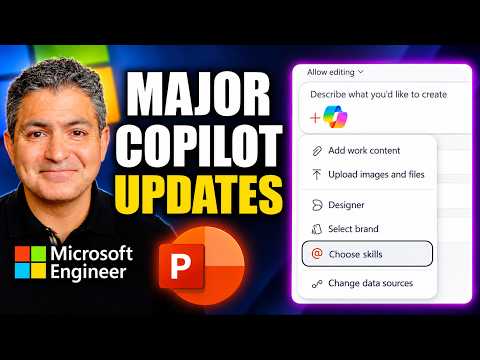
PowerPoint Copilot: Updates & Tutorial
by HubSite 365 about Shervin Shaffie (Collaboration Simplified)
Principal Technical Specialist @ Microsoft | Engineer | YouTuber
Microsoft Copilot in PowerPoint tutorial explores Brand Kit Skills and Designer to create smarter slides and agents
Key insights
- Copilot in PowerPoint received major 2026 updates that focus on faster deck creation, stronger brand control, and better enterprise grounding.
These changes move Copilot from a simple text helper to a more capable in-app assistant. - Brand Kit and Skills improve consistency and speed: Brand Kit Picker applies admin-approved colors and fonts, while Skills let users run repeatable slide actions with one click instead of long prompts.
- Grounding and reference-based deck creation let Copilot use company content and specific sources: it can pull from email, OneDrive, SharePoint, and public web sources, or restyle a deck using another presentation as a reference.
- MAI-Image-2-Efficient and image-editing upgrades bring improved AI image generation and on-slide editing across Windows, Mac, and the web, making visual creation faster and more integrated.
- Comments and mobile improvements boost collaboration: Copilot can draft, reply to, and resolve comments, while iOS/iPad updates support multi-step actions, grounding from current slides or attachments, and background execution when switching apps.
- Agentic workflow and practical benefits: the experience reduces manual prompting, speeds first drafts, standardizes formatting, and helps teams keep presentations aligned with company identity.

Keywords
PowerPoint Copilot update, Copilot for PowerPoint tutorial, Microsoft Copilot PowerPoint features, PowerPoint AI design suggestions, Copilot presentation tips PowerPoint, How to use Copilot in PowerPoint, PowerPoint Copilot demo full tutorial, Microsoft 365 Copilot PowerPoint guide