Pro User
- All of Microsoft
Timespan
explore our new search
Teams
Oct 1, 2026 6:49 PM
Microsoft Teams: Differentiated Groups
by HubSite 365 about Mike Tholfsen
Principal Group Product Manager - Microsoft Education
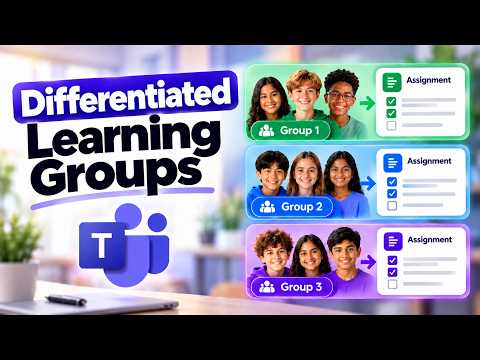
Use Differentiated Learning Groups in Microsoft Teams Assignments to personalize learning, assign and speed up grading
Key insights
- Differentiated Learning Groups in Microsoft Teams Assignments let teachers deliver different resources to different student groups inside one assignment.
They keep submissions and grading individual while reducing duplicate assignments. - How to set up: Open your class Assignments, choose Create > Assignment, pick Learning Groups or Groups of students, add group-specific resources, and verify with Student View before publishing.
Group names and membership are visible only to educators. - Group management is flexible: create groups manually or randomly, reuse student groups from past assignments, and move students between groups after publishing when your tenant supports it.
This saves time and keeps classroom organization simple. - Key advantages include less duplication of work, the ability to personalize instruction with tailored texts or links, and a unified grading flow so teachers grade each student consistently.
- Practical use cases: use for Reading groups, Language support, Skill-based grouping, or interest-based paths where each group receives different materials but the same assignment goal.
- Limitations and tips: check that every needed assignment feature and third-party app works with group-specific resources, test in Student View, and remember to confirm privacy and grading settings before publishing.
Be prepared to adjust groups if classroom needs change.

Keywords
Differentiated learning groups Microsoft Teams, Microsoft Teams Assignments differentiated instruction, Create differentiated groups in Teams, Differentiated assignments in Teams, Personalized learning Microsoft Teams assignments, Grouping students Teams Assignments, Differentiated instruction tools Microsoft Teams, How to use groups in Teams Assignments