Pro User
Timespan
explore our new search
PowerPoint
Sep 20, 2026 9:19 PM
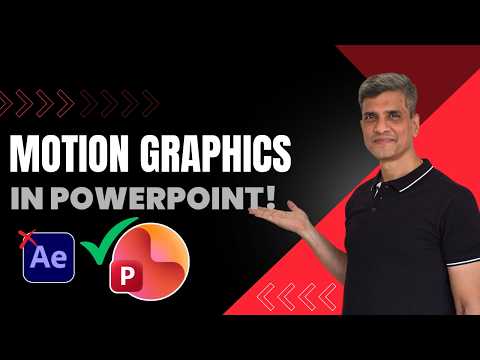
PowerPoint: Can It Do Motion Graphics?
by HubSite 365 about Presentation Process YouTube
Microsoft PowerPoint motion graphics: recreate complex animations with custom animation tools without After Effects
Key insights
- PowerPoint as a motion-graphics tool
PowerPoint can recreate complex animations using built-in shapes, text, and custom animation tools.
Ramgopal’s demo shows you can achieve professional-looking motion graphics without After Effects. - Morph transition and Motion paths
Morph transition creates smooth scene-to-scene movement and motion paths let objects travel along custom routes for precise motion control. - Animation types
PowerPoint supports Entrance, Emphasis, and Exit effects to time how objects appear, draw attention, and leave the slide. - 3D models and platform limits
Animated 3D models and some advanced effects work in Microsoft 365 desktop apps but may not appear or fully work in PowerPoint for the web. - Workflow: break down and rebuild
Analyze the target animation, decompose it into simple elements, recreate shapes and text in PowerPoint, then combine custom animations and timing to match the original. - Pros and limits
Advantages: accessible, fast, and easy for explainer graphics, kinetic typography, and polished transitions. Limits: not ideal for particle systems, complex camera moves, advanced compositing, or very fine timing control that dedicated motion apps provide.
Keywords
PowerPoint motion graphics, create motion graphics in PowerPoint, PowerPoint animation tutorial, animated presentations PowerPoint, PowerPoint motion design tips, motion graphics without After Effects, PowerPoint transition effects tutorial, PowerPoint animation templates