Pro User
- All of Microsoft
Zeitspanne
explore our new search
Excel
17. Juni 2026 06:15
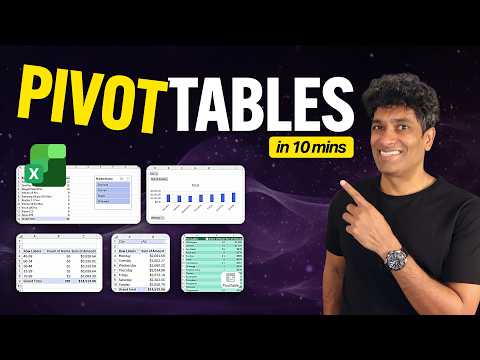
Excel Pivot Tables: 10-Min Free Workbook
von HubSite 365 über Chandoo
Master Microsoft Excel pivot tables, pivot charts and slicers for fast data analysis in Microsoft Office
Key insights
- Quick tutorial + free workbook: A short, practical lesson that teaches PivotTables in about 10 minutes and includes a downloadable free workbook for hands-on practice.
Use the sample file to follow each step and reproduce the examples. - What a PivotTable does: A PivotTable turns raw rows into compact summaries so you can quickly summarize and analyze patterns, comparisons, and trends without writing many formulas.
It speeds up routine reporting on sales, customers, and similar tabular data. - Key features demonstrated: The tutorial shows how to create PivotTables and add interactive and visual elements like slicers, timelines, pivot charts, grouping, and calculated fields (plus filters such as Top 10).
These tools help you filter, highlight, and present insights quickly. - Simple setup and workflow: Start with clean tabular format data and optionally convert it to an Excel Table.
Then go to Insert > PivotTable, place fields into rows, columns, values, and filters, and use sorting, grouping, and refresh to keep the report accurate. - Main benefits: PivotTables enable fast reporting, interactive analysis, and clear visual presentation with minimal setup.
They also support more advanced calculations and grouped date ranges without complex formulas. - When to go further: For larger datasets or complex data models, move to Power Pivot and data modeling.
The 10-minute format is a compressed learning approach focused on hands-on practice to get useful results quickly.

Keywords
Excel pivot tables tutorial, Pivot tables in 10 minutes, Free pivot table workbook, Quick pivot tables Excel, Pivot table basics for beginners, Excel pivot table tips and tricks, Pivot tables for data analysis, Pivot table shortcuts Excel