Pro User
- All of Microsoft
Zeitspanne
explore our new search
Excel
15. Sept 2025 00:35
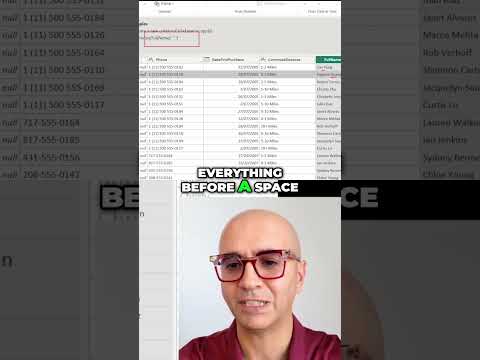
Extract Text: Get First 3 Letters Fast
von HubSite 365 über Reza Rad (RADACAD) [MVP]
Founder | CEO @ RADACAD | Coach | Power BI Consultant | Author | Speaker | Regional Director | MVP
Instantly extract the first three letters from text in a YouTube Short with Microsoft Azure Cognitive Services and Power Automate
Key insights
-
Extract First 3 Letters: Quickly pull the first three characters from any text string to create codes, initials, or short labels.
Use this for contacts, product SKUs, or compact identifiers. -
LEFT (Excel): Use =LEFT(A2,3) to get the first three letters from cell A2.
The formula updates automatically when source cells change. -
Flash Fill: Type the desired result once and press Ctrl+E to auto-fill similar patterns in Excel.
Fast for one-off cleaning but not dynamic if the source data changes. -
Power Query: Use Transform > Extract > First Characters (enter 3) for large or repeated tasks.
This method scales well and keeps your original data intact. -
Google Sheets: The same LEFT(A2,3) works in Sheets; alternatively use REGEXEXTRACT for complex patterns.
Choose LEFT for simple, fast results. -
Best Practices: Trim extra spaces before extracting and handle short or blank entries with a conditional check.
Example: =IF(LEN(TRIM(A2))>=3,LEFT(TRIM(A2),3),TRIM(A2)) keeps results clean and reliable.
Keywords
extract first three letters, get first three characters, first three letters tutorial, text extraction shorts, substring function tutorial, javascript get first characters, python get first characters, excel first three letters