Pro User
- All of Microsoft
Zeitspanne
explore our new search
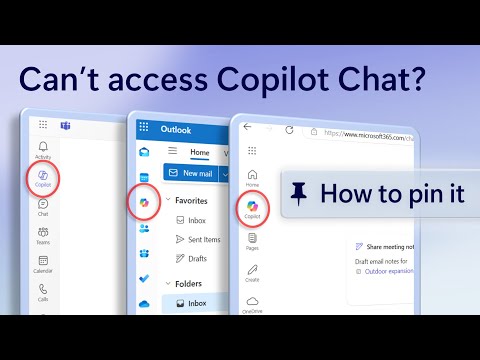
Microsoft Copilot
30. März 2025 06:25
Microsoft 365 Copilot Chat Pinning Guide: Elevate Your Productivity Effortlessly
von HubSite 365 über Microsoft
Software Development Redmond, Washington
Pin Microsoft 365 Copilot Chat for users: Enhance productivity, seamless integration, AI assistance with Office apps.
Key insights
- Microsoft 365 Copilot is an AI-powered assistant that helps users with tasks and productivity.
- To pin the Copilot Chat, first open the Microsoft 365 application on your device.
- Navigate to the settings menu, which is usually accessible from the top-right corner of the application.
- Select the option to customize or manage your toolbar or sidebar, depending on your interface.
- Look for Copilot Chat in the list of available features or tools you can add to your workspace.
- Drag and drop Copilot Chat into a convenient location on your toolbar/sidebar for easy access during work sessions.
Keywords
Microsoft 365 Copilot, pin chat feature, user guide, productivity tips, Microsoft tutorial, Copilot Chat setup, office tools optimization, software assistance.