Pro User
- All of Microsoft
Zeitspanne
explore our new search
SharePoint Online
5. Okt 2026 05:48
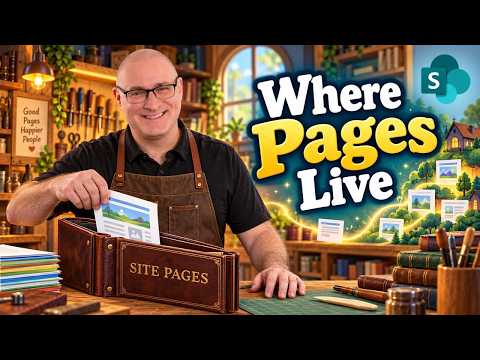
SharePoint Site Pages Library Explained
von HubSite 365 über SharePoint Maven Inc
I help organizations to unlock the power of SharePoint
SharePoint Site Pages library guide: manage pages, news, templates, versions and approvals in Microsoft cloud
Key insights
- Site Pages library: The central document library where SharePoint stores all site pages and news posts.
Every modern page you create lives here and a site can have only one Site Pages library. - Find it: Open the Pages link or go to Site Contents from Settings to locate the library.
It may appear as "Pages" in navigation even when the underlying name is Site Pages. - Library features: The Site Pages library supports version history, metadata, and custom views.
You can add web parts to pages and set a page as the site homepage. - Management tools: The library includes a Templates folder after you save a template and creates language folders on multilingual sites.
It also supports page approvals and news scheduling. - Important limits: You cannot upload Word, PDF, or Excel files, create manual folders, or sync the library to File Explorer.
Keep these restrictions in mind when organizing content. - Risks and automation: Deleting the Site Pages library causes site pages to return 404 errors, so do not remove it.
Some list features (like Rules) may be unavailable, so use Power Automate for workflows and automation.

Keywords
site pages library SharePoint, SharePoint site pages tutorial, how to use site pages library, manage site pages SharePoint, create modern pages SharePoint, site pages vs pages library, site pages permissions SharePoint, migrate site pages SharePoint