Pro User
- All of Microsoft
- Windows
Zeitspanne
explore our new search
Windows
14. Okt 2026 13:34
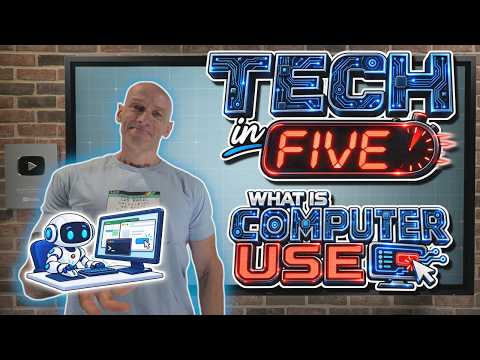
Tech in Five: What Is Computer Use?
von HubSite 365 über John Savill's [MVP]
Principal Cloud Solutions Architect
Explore computer use, AI integration, desktop boundaries and governance with Azure PowerShell and DevOps.
Key insights
- Computer Use: a Microsoft capability that lets an AI model operate software through a graphical user interface rather than only returning text.
It performs clicks, typing, scrolling, and app navigation to complete tasks on behalf of users. - Visual interpretation and action planning: the model reads screenshots or UI state, identifies controls, decides the next step, and the application executes those actions.
This loop repeats until the workflow finishes or a human approves the result. - Dynamic adaptation and natural-language operation: the system adjusts when pages or forms change and accepts goals in plain language.
Users describe outcomes and the agent figures out the necessary interface actions. - Automating complex workflows: Computer Use removes the need to build an integration for each step by interacting with the same screens humans use.
This reduces manual data entry, repetitive research, and multi-step administrative work. - Working with legacy software and non-API systems: the capability covers web and desktop applications that lack modern integrations.
It makes older or partner systems usable without costly custom connectors. - Governance, visibility, and limits: the approach improves flexibility but still needs testing, monitoring, and security controls.
It is not a replacement for APIs in all cases and may require human approval for risky or complex steps.

Keywords
computer use definition, how to use a computer, everyday computer uses, computer usage examples, benefits of computer use, computer use for beginners, types of computer use, what is computer use