- All of Microsoft
![Secure your Windows 365 Cloud PC with MFA [Windows 365 Masterclass Series]](https://img.youtube.com/vi/17CGrlUfKgg/hqdefault.jpg "Secure your Windows 365 Cloud PC with MFA [Windows 365 Masterclass Series]")
Secure your Windows 365 Cloud PC with MFA [Windows 365 Masterclass Series]
Software Development Redmond, Washington
https://www.aguidetocloud.com/study-guides/windows365 In episode 12 we are going to learn how to configure Multi Factor Authentication to secure your Windows 36
EP 12: Secure your Windows 365 Cloud PC with MFA is the twelfth episode in the Windows 365 Masterclass series. In this installment, the focus is on the configuration of Multi Factor Authentication (MFA) to further secure your Windows 365 Cloud PCs. Additional downloadable content is also provided.
The material dives into the benefits of implementing an extra layer of security to your cloud PC by enabling MFA. This reduces the chances of unauthorized access and keeps your data and workspace safe in the cloud.
Windows 365, a part of the Microsoft 365 package, allows you to create cloud PCs that can be fully configured and personalized based on the needs of your organization. A cloud PC utilizes the power of the cloud to offer remote access from any location, providing a convenient work-from-anywhere solution.
By securing your cloud PC with MFA, you fortify your cloud-based workspace with strong user verification processes. Any attempts to access the cloud PC will require more than just the user's credentials, increasing the security level and making it more difficult for anyone to gain unauthorized access.
Multi-Factor Authentication (MFA) in Windows 365 Cloud PC
Multi Factor Authentication is a crucial security measure that helps protect your Windows 365 Cloud PC from unauthorized access. It demands more than one piece of evidence, or factors, to authenticate a user, making it a robust mechanism to prevent data breaches and enhance cloud security.
Learn about EP 12: Secure your Windows 365 Cloud PC with MFA
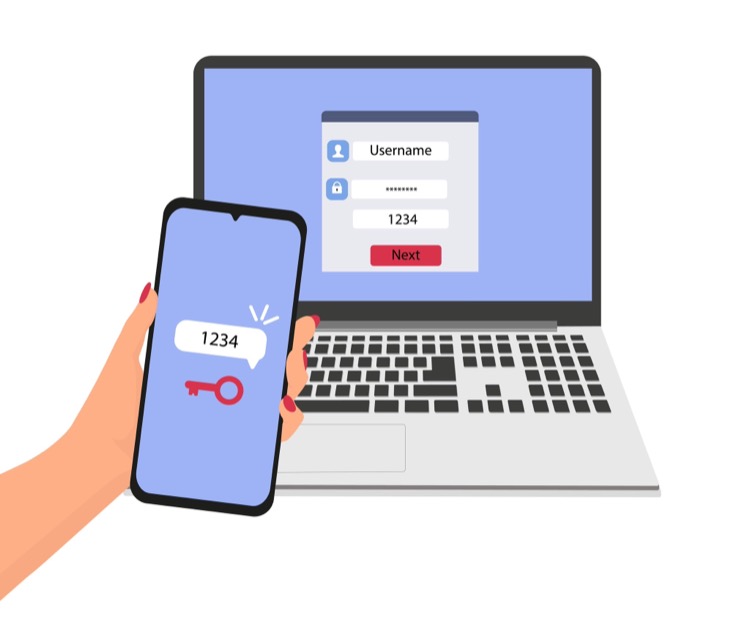
EP 12: Secure your Windows 365 Cloud PC with MFA [Windows 365 Masterclass Series] is providing guidance on how to secure your Windows 365 Cloud PCs using Multi-Factor Authentication (MFA). The material mentioned for download will further assist in understanding the configuration process. The content is available on various platforms including www.aguidetocloud.com, susanth.bio.link, and a YouTube channel. The channel offers additional perks for joining.
More links on about EP 12: Secure your Windows 365 Cloud PC with MFA [Windows 365 Masterclass Series]
- Windows 365 (Cloud PC) Masterclass Series
- A series of short videos to cover all aspects of Windows 365 (Cloud PCs) deployment and technical scenarios. Play all · Shuffle · 29:47. EP 01: Introduction ...
- Securing your Windows 365 Cloud PCs
- Aug 19, 2021 — Review the Microsoft 365 Business Premium organizational security guidance, including enabling MFA to access Windows 365. Windows 365 Enterprise.
- Welcome to your Windows 365 Cloud PC
- Stream your desktop, apps, settings, and content from the Microsoft cloud to any device and have a personalized Windows experience wherever you are.
- Trouble Logging into Windows 365 Cloud PC with MFA ...
- Jun 22, 2023 — Hi all, I've been experiencing a peculiar issue while trying to log into my Windows 365 Cloud PC using the Microsoft Remote Desktop app when ...
- Windows 365 admin setup and management tutorial ...
- Aug 2, 2021 — If you're new to Windows 365, it's a Cloud PC that lets you securely stream your Windows experience, including your desktop, apps, settings, ...
- Get to know Windows 365 Boot Event ended
- This episode will be special! We'll take a deep look into Windows 365 Boot and demonstrate the new features from the IT admin and user.
- Get started with Windows 365 Business and Cloud PCs
- Feb 24, 2023 — With Windows 365 Cloud PCs, you can stream your apps, data, content, settings, and storage from the Microsoft cloud. Note. Before starting, make ...
Keywords
Microsoft 365 security guide, Windows 365 MFA setup, Cloud PC protection tips, Secure Windows 365 Cloud PC, Configuring MFA for Windows 365.