Pro User
- All of Microsoft
Zeitspanne
explore our new search
SharePoint Online
18. Sept 2026 07:20
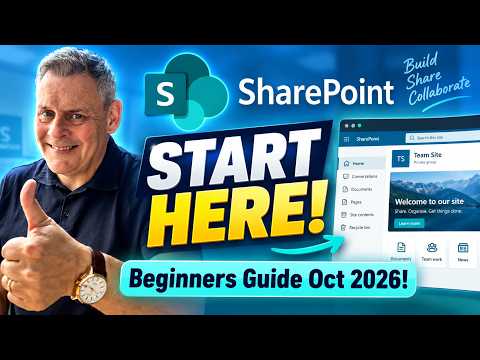
SharePoint Quick Start Guide 2026
von HubSite 365 über Andy Malone [MVP]
Microsoft 365 Expert, Author, YouTuber, Speaker & Senior Technology Instructor (MCT)
Microsoft expert SharePoint Online guide for admins with admin center, OneDrive, permissions and Hub Sites
Key insights
- SharePoint is Microsoft’s cloud platform for team collaboration and intranets.
It stores files, pages, and lists so teams can work securely from any device. - The new experience centers on Discover, plus Publish and Build in the app bar.
These updates simplify finding content, publishing pages, and building sites with clearer layout and less visual clutter. - Sites come as Team sites or Communication sites; use templates to set names, descriptions, and privacy.
Document libraries inside sites hold files and let you upload, organize, and share content easily. - Sharing and Permissions control who can view or edit content; assign access at site, library, folder, or file level.
Use versioning and the Recycle bin to restore changes and recover deleted items. - The SharePoint Admin Center manages tenant settings, including tenant sharing and site policies.
Hub Sites connect and apply consistent navigation and branding across related sites. - Quick start checklist: open SharePoint in Microsoft 365, learn site types, upload a file to a library, practice sharing and permissions, then explore Discover/Publish/Build.
SharePoint integrates with OneDrive, Teams, and Microsoft 365 Groups, making it a practical skill for IT and admin careers.

Keywords
SharePoint beginner guide 2026, Getting started with SharePoint, SharePoint Online tutorial for beginners, Learn SharePoint step by step, SharePoint basics for Microsoft 365, SharePoint setup and best practices, SharePoint navigation and document management, SharePoint tips for new users