Pro User
- All of Microsoft
Zeitspanne
explore our new search
SharePoint Online
3. Aug 2026 17:33
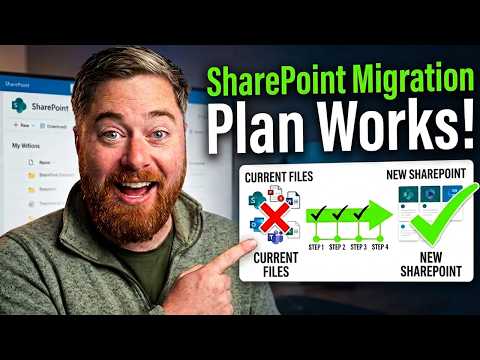
SharePoint Migration: 4-Step Guide
von HubSite 365 über Dougie Wood [MVP]
Microsoft expert SharePoint migration planning and audit for tenant moves using ShareGate and SharePoint Migration Tool
Key insights
- 4-step plan: Follow four clear phases — Consideration, Audit, Design and preparation, and Wider workloads — to turn a migration into an opportunity to rebuild to best practice instead of copying old problems.
- Consideration: Define why you are migrating, set timelines and budgets, and pick a strategy such as lift-and-shift, big bang, or phased rollout with a small “guinea pig” pilot to validate the approach before scaling.
- Audit: Analyze source storage, site structure, and permissions to flag unsupported templates, custom features, checked-out files, inactive sites, broken inheritance, and unused content; use automated analysis to save time and reduce risk.
- Design and preparation: Plan hub, communication, and team sites rather than copying legacy layouts; map every site and access level in a spreadsheet, require owners to review content (many files can be deleted), and automate reviews where possible.
- Wider workloads: Treat tenant moves as more than SharePoint — plan OneDrive, Microsoft Teams, Exchange mailboxes, calendars and contacts, and Power Platform apps; precreate users and groups for cross-tenant identity mapping and handle Power Apps/Flows manually or as bundled solutions when needed.
- Tools and Microsoft guidance: Use supported tools and Microsoft best practices — run pilots, use incremental migration with a single cutover for user changeover, and follow a task-based tool flow (install, create migration task, monitor, report); good tools cut weeks off delivery but only with solid planning.

Keywords
SharePoint migration plan, SharePoint migration best practices, SharePoint migration steps, SharePoint consultant tips, SharePoint migration checklist, SharePoint migration strategy, SharePoint migration tools, Office 365 to SharePoint migration