Pro User
- All of Microsoft
Zeitspanne
explore our new search

Bildquelle: Shutterstock.com
M365 Admin
8. Okt 2024 19:00
What Is Multi-Teams Shared Calling For Microsoft Teams?
von Callroute
Automate Microsoft Teams provisioning using Callroute's self-service portal.
Multi-tenant share calling isn’t exactly the same as shared calling for Microsoft Teams. There are differences in the way you manage and use multi-tenant shared calling and there are some intricacies in both the operational and financial benefits too
If you work for a large organization that operates multiple subsidiary companies or grows through acquisition of your competition, then you could end up managing Teams Phone in separate Teams Admin Centers for each business entity.
These are some of most common operational problems with managing multiple Teams tenants with Teams Phone that you might face:
- Multiple admin accounts means lengthy processes, and increased identity and information security risk.
- Differing procedures: Each tenant will have a different set of policies which will leave you searching for the right documentation.
- Different script versions: you’ll have to duplicate and customizephone number assignment for each Teams tenant.
- Multiple isolated carrier connections complicates your operational service model and prevents you from accessing bigger discounts.
- Lots of wasted numbers: You could find yourself with hundreds of numbers in the same area code provisioned to each Teams tenant. This can cost between $1-70 per month depending on the country of origin.
- Complicated user changes when a user moves between operating companies which can slow processes and impact end user productivity.
- Charges for ‘internal’ calls if it isn’t possible to use Teams to Teams calling between users in separate operating companies
You might be planning a consolidation of users into a single tenant and believe this is just short-term pain that is tolerable.
However, tenant to tenant migrations can take many months, if not years to complete depending on the complexities that aren’t just limited to Teams Phone.
If you’re in either situation, our multi-tenant shared calling can help you make these processes as painless as possible.
How does Multi-Teams with Callroute work?
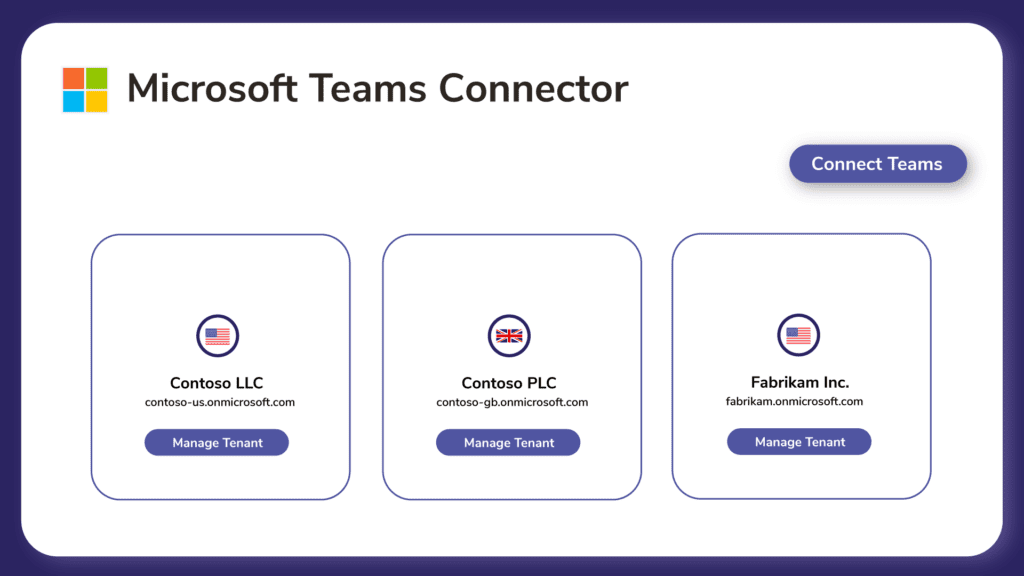
Step 1:
Using our automated Teams Direct Routing deployment tool to deploy Callroute into each of your Teams tenants within a single instance of Callroute in just a few minutes.
Once connected, your Teams Phone users from each tenant are synced into your Callroute portal and separated to make it easy for you to manage.
Step 2:
You can then connect all service providers from each of your operating companies to Callroute using our bring your own carrier feature.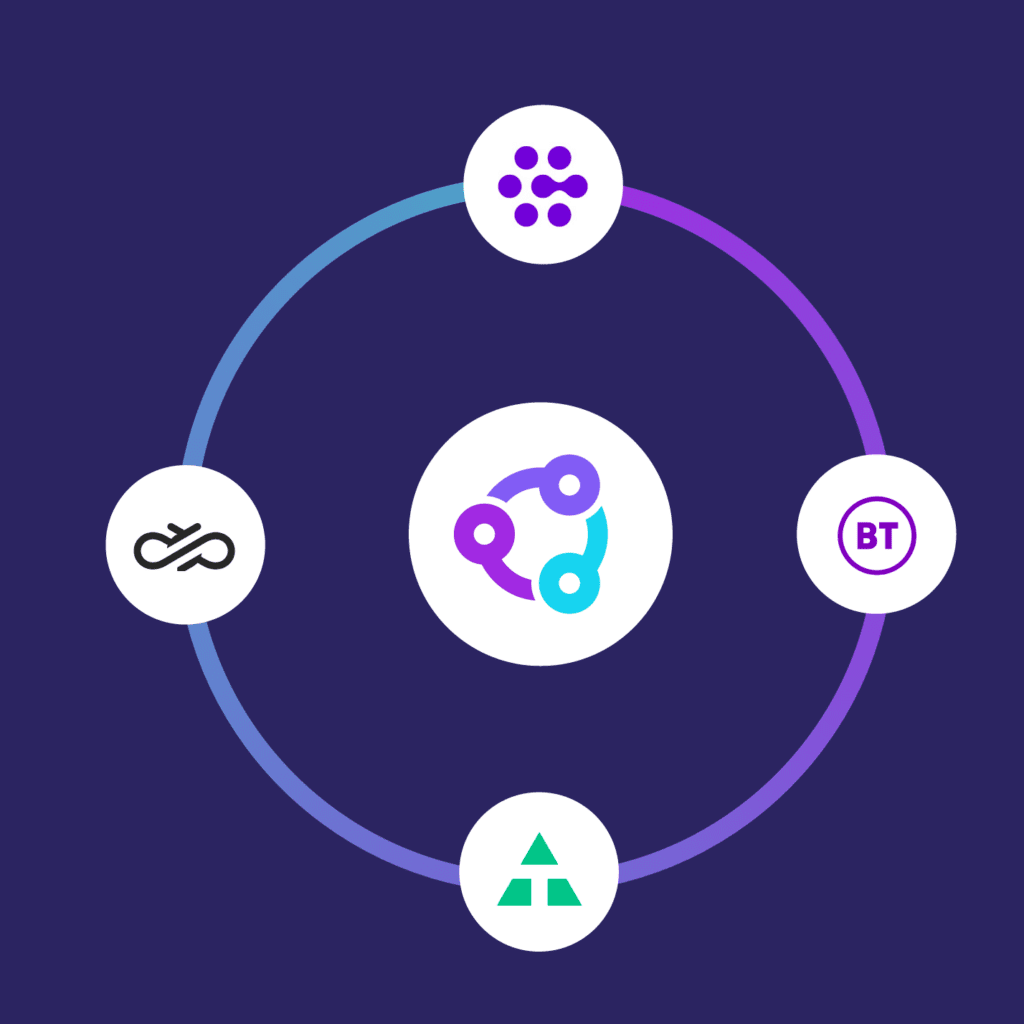
Step 3:
Import your number ranges by CSV or via our user interface and select the default route for each range.
When you’re ready to switch over to Callroute, all you need to do is update the Teams user voice routing policy to point at Callroute. We have a bulk operation that will automate this for you making switchover painless.
With Callroute Multi-Teams, you can benefit from:
- Single admin account & portal
- Share numbers between Teams tenants
- Continue high operational levels without disruption
If you’re working within a multi company organization with Teams Phone, then you need to consider Callroute for your shared calling service.