Pro User
- All of Microsoft
Zeitspanne
explore our new search
Dynamics 365
5. Okt 2026 18:50
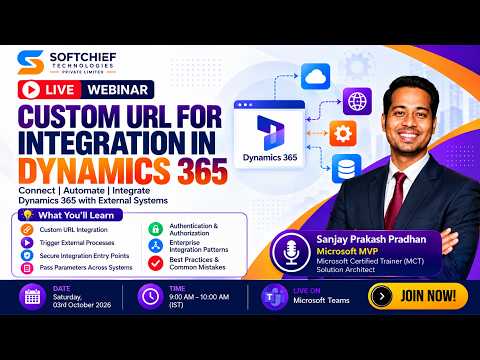
Dynamics 365: Custom Integration URLs
von HubSite 365 über Softchief Learn
Learn how to take advantage of your business data with Microsoft Dynamics 365 & Power Platform & Cross Technologies. My name is Sanjaya Prakash Pradhan and I am a Microsoft Certified Trainer (MCT) and
Microsoft expert on Custom URL integration for Dynamics via Power Platform and Azure, secure auth via Teams
Key insights
- Custom URL integration lets an external registration page or form submit directly to Dynamics 365 so organizers capture attendee data in Customer Insights - Journeys for automation and follow-up.
- Registration landing page and event record are the usual pattern: create the external form, save the form URL to the event, then map responses so registrants sync into the event record.
- Authentication & Authorization must protect the entry point. Use secure tokens, validated query strings, or API keys and avoid sharing direct attendee links outside the approved email or invite flow.
- Passing parameters and trigger external processes let you carry context between systems. Use query parameters, webhooks, or server-side callbacks to start workflows and record tracking IDs back into Dynamics records.
- Teams webinar v2 is the preferred Microsoft provider for webinar delivery and pairs with Customer Insights for event data synchronization, attendee check-ins, and post-event journeys.
- Best practices and common mistakes: centralize registration mapping, publish the event before opening registration, test the end-to-end flow, and avoid exposing raw attendee URLs or credentials.

Keywords
Dynamics 365 custom URL integration, Custom domain Dynamics 365 integration, Dynamics 365 API endpoint setup, Dynamics 365 webhook configuration, Secure custom URL Dynamics 365, Dynamics 365 integration best practices, Live technical webinar Dynamics 365, Dynamics 365 integration troubleshooting