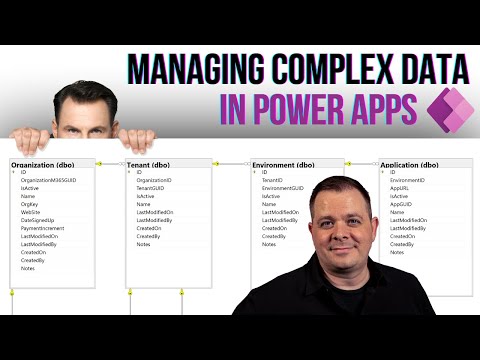
Live Streaming Tutorial for Microsoft Power Apps
Power Apps Trainer at Neeseus
Unlock the potential of Microsoft Power Apps with our expert insights and learn to simplify app development for your business needs.
Darren Neese, in his YouTube video tutorial, delves into Microsoft's suite of development tools known as Power Apps. This powerful suite allows both seasoned developers as well as those without any technical skills to create custom applications tailor-made for a multitude of business requirements. Included within the suite are an array of applications, services, and connectors, along with a data platform, effectively creating an environment for rapid app development that requires little to no coding skills.
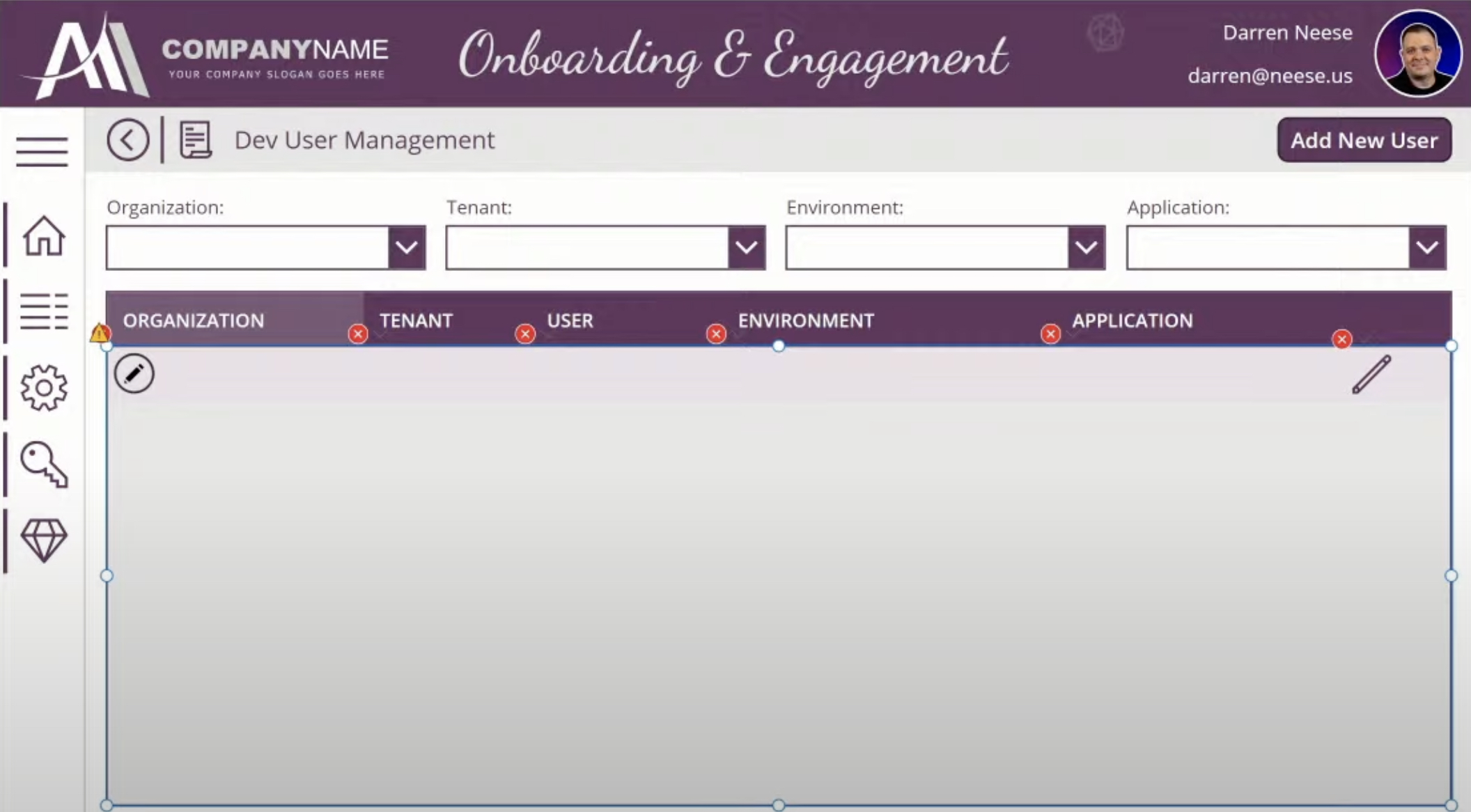
The Power Apps suite has quickly become a favorite among low-code services for building business applications. Its true strength lies not only in its low-code/no-code app development capabilities but also in its ability to blend self-service analytics and automation seamlessly. Power Apps finds its home on the Microsoft Azure cloud and is capable of using enterprise data stored on Microsoft Dataverse or other sources such as Microsoft 365, SharePoint, or even the Microsoft SQL Server. Through APIs, it can create data connections.
Advanced developers aren't left behind either. Power Apps enables them to interact with the data and metadata underneath their apps, integrating it with external data, applying business logic where necessary, and creating custom connectors as required.
Launched in late 2015, Power Apps represents Microsoft's platform-as-a-service (PaaS) offering. Its suite of development tools lets even the layman create, manage, and share business apps effortlessly. It simplifies and speeds up app creation by empowering any user to develop a feature-rich, bespoke app without writing a single line of code.
Power Apps boasts an intuitive visual design and drag-and-drop functionality similar to Microsoft PowerPoint, making it a familiar interface for many users. The platform is not only extensible but also capable of interacting with data, creating connections, and applying business logic across any of its created applications.
Applications developed with Power Apps offer advanced workflow capabilities to transform tedious manual procedures into automated processes. These apps can be seamlessly run across iOS, Android, and Windows devices, allowing for adaptability and responsive user experiences.
Users can create various applications with Power Apps, with two of the most prevalent ones being canvas apps and model-driven apps. Canvas apps, suitable for web, mobile, and tablet applications, can be made using diverse sources, including dispersed data sources, a singular data platform such as Dataverse, or even a blank canvas.
The platform allows you to create any user experience and interface you desire and connect your app interfaces to more than 200 data sources. Model-driven apps, on the other hand, are built from the primary business data and processes in Dataverse. These apps model forms, views, process flows, and business rules, among other components. The platform automatically generates responsive UIs for model-driven apps across devices.
Apart from these, Power Apps developers can create lightweight micro apps known as cards. These have light UI elements that can be replicated across multiple applications without requiring specialized coding or IT expertise. Cards can utilize business data through power platform connectors and can be tailored using business logic.
Although Power Apps is designed to be user-friendly to non-tech users, it also allows professional developers to use their programming skills. They can create and customize new apps by creating data and metadata, applying server-side logic, using Azure functions, and building custom connectors. This capability also lets developers integrate apps into website experiences, leading to more integrated, user-centric pages.
In partnership with Power Apps, AI Builder is a turnkey tool that enables developers to build AI models through a simple point-and-click experience. This tool supports many model types for different business scenarios. For instance, users can utilize a custom object detection model to detect products in images, an automated reports scanning model, or a business-tailored custom prediction model to create marketing campaigns using historical data.
Microsoft Dataverse is a low-code data platform that allows organizations to smartly and efficiently develop and run thousands of applications. It can amalgamate data from various sources into a singular source. Dataverse retains its data in an auto-generated set of tables. Users can use Power Apps to link their custom business apps to the data stored in Dataverse. They can also build apps directly by using both tools together, without any integrations. The existing logic and rules specified in Dataverse tables are then applied to apps created in Power Apps to maintain data consistency.
Elaborating Power Apps
Power Apps opens up the world of app development to even those without a technical background. It offers a user-friendly interface and a plethora of customization options, paving the way for unique app creation that caters to myriad business needs. Its capabilities extend from low-code/no-code app development to blending self-service analytics and automation seamlessly. It's an all-encompassing solution for not only building custom apps but also automating business processes, fostering neat data organization, and ushering in a new era of digital transformation for businesses of all sizes.

Learn about Power Apps Live Stream
The suite of development services known as Power Apps is a flagship product from Microsoft that promotes ease of use while still providing robust development capability. Its primary selling point is it allows users from a variety of backgrounds to create custom applications efficiently, all suited to their specific business needs without the requirement of extensive coding expertise.
Power Apps functions as a platform for service offerings (PaaS). Its core functionality allows smooth transformation of manual processes into automated ones, promotes ease of management and sharing of enterprise applications, all while eliminating the need for intricate coding. This suite incorporates several applications, connectors, and a data platform resulting in an efficient app development scenario.
Users will discover an intuitive visual design within the platform, coupled with a straightforward drag-and-drop functionality. Power Apps mimics user interfaces like Microsoft PowerPoint, which increases comfort and further familiarity among users. Another crucial aspect to note is that it allows seamless interaction with data, connectors creations, and application of business logic to any developed application.
- Power Apps for Professionals: Even though it's designed for non-technical users, professional developers can still actively utilize Power Apps to build and customize applications. For developers, it allows the creation of data and metadata, applying server-side logic via plugins, Azure functions, etc., integration with external data, and building custom connectors among others.
- AI Builder with Power Apps: Specifically integrated with Power Apps, AI Builder is known to be a turnkey tool. This tool allows the developers to create artificial intelligence models on Power Apps without the complication of coding. It supports numerous model types suitable for business operations.
- Power Apps with Microsoft Dataverse: This is a service that permits organizations to simultaneously run and create applications on a large scale. It compiles data from various sources and constructs them into one comprehensive platform. Developers can use Power Apps to connect with the data stored in Dataverse or create apps directly using Power Apps and Dataverse without any integrations.
In conclusion, Power Apps serves as a powerful and flexible platform that encourages and simplifies the process of app development without burdensome coding requirements. Supported by a plethora of tools, it allows seamless and intuitive creation of aesthetically pleasing applications packed with robust features suitable for both nontechnical users and developers alike. With the ability to integrate with other Microsoft products, it truly complements the dynamic world of app development today.
Keywords
Power Apps Live Stream, Power Apps Streaming, Live Stream Microsoft Power Apps, Power Apps Real-Time Stream, Power Apps Live Demo, Power App Webinar, Microsoft Power Apps Broadcast, Live Power Apps Workshop, Power Apps Live Stream Event, Online Power Apps Training