IT Admin Guide to Multi-Tenant Shared Calling in Microsoft Teams
Automate Microsoft Teams provisioning using Callroute's self-service portal.
Learn how IT admins are streamlining Microsoft Teams voice with multi-tenant shared calling - reducing duplication, simplifying SBC management, and centralising control across environments.
Managing Microsoft Teams calling across multiple tenants has long been a headache for IT admins. Between duplicated
Direct Routing setups, inconsistent policies, and wasted call plan minutes, traditional multi-tenant voice management has been complex, costly, and time-consuming. That’s changing fast - thanks to multi-tenant shared calling.
What Is Multi-Tenant Shared Calling?
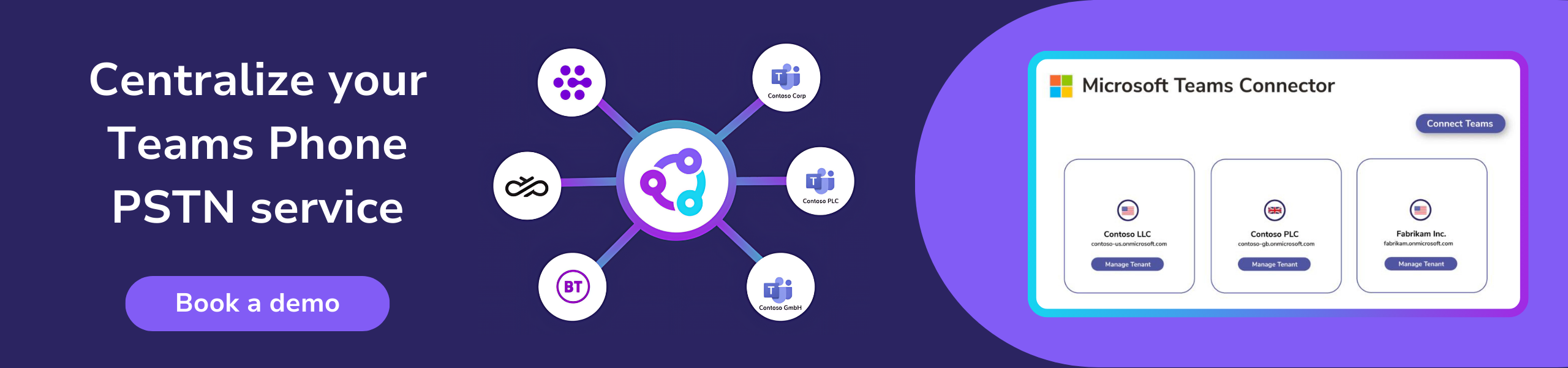
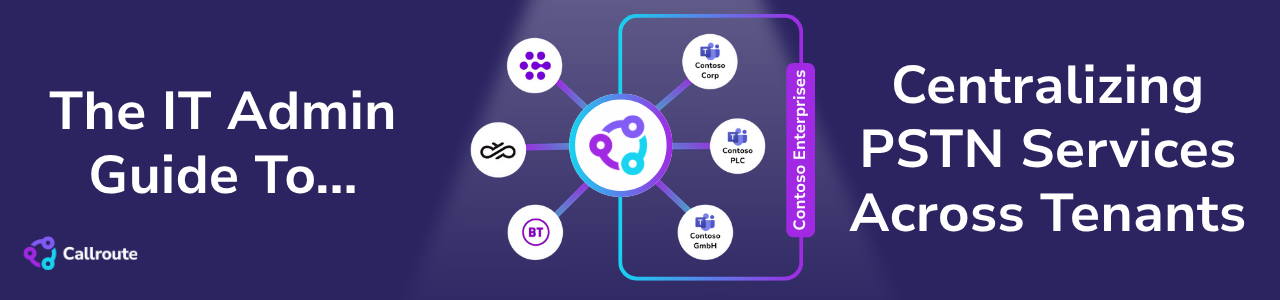
Multi-tenant shared calling allows multiple Microsoft 365 tenants to share the same calling resources such as SIP trunks, SBCs, and call plan minutes through a unified platform. Instead of provisioning voice infrastructure separately for each tenant, organisations can connect tenants to a shared telephony backbone, while maintaining security and compliance boundaries.
This means IT admins can manage users, assign numbers, and track consumption centrally without having to replicate routing or policies for every tenant. In large enterprises or MSP environments, this represents a massive operational efficiency gain.
The Business Case for Shared Calling
Running Microsoft Teams across multiple tenants often leads to duplication. Each environment demands its own configuration of policies, SBCs, and licensing, which quickly inflates both costs and management overhead.
By consolidating resources with multi-tenant shared calling:
• Cost efficiency improves - shared trunks and centralised minutes reduce duplication.
• Policy consistency strengthens -admins can apply call policies and usage rules across all tenants.
• Reporting clarity increases - unified dashboards show call volume, cost allocation, and usage thresholds.
• Scalability becomes seamless - new tenants can be onboarded quickly without re-engineering routing.
It’s a modern approach that aligns with how enterprises, and MSPs serving them, now operate: distributed, agile, and data-driven.
Implementation Tips for IT Admins
When adopting multi-tenant shared calling, IT admins should focus on practical steps and best practices that keep their solution scalable, secure, and easy to manage. The following tips outline how to build and maintain an efficient shared PSTN environment across multiple tenants.
1. Standardise your architecture: Define a master routing and policy model that can be applied across tenants.
2. Automate provisioning: Eliminate repetitive tenant-by-tenant setup through scripts or orchestration tools.
3. Centralise visibility: Use cross-tenant reporting to monitor call quality, usage, and billing in one view.
4. Enforce governance: Apply Granular RBAC so admins only see or manage their assigned tenants or sites.
5. Plan for growth: Choose solutions that scale horizontally as your number of tenants expands.
A unified strategy ensures every tenant benefits from the same performance, policy compliance, and cost optimisation.
How To Get Started
To enable multi-tenant shared calling, IT admins need a platform that can centralise PSTN connectivity and manage calling services across tenants from one place.
Callroute is an award-winning platform that makes multi-tenant shared calling simple. You can connect multiple Microsoft 365 tenants in minutes, then aggregate your carriers and share SBCs, Direct Routing, and call plans securely - all while maintaining full visibility and control.
Discover how Callroute’s Multi-Tenant Shared Calling streamlines Microsoft Teams voice across tenants. Book a demo to see how it works, or contact us with your questions.