Citizen Developer
- All of Microsoft
Zeitspanne
explore our new search
Microsoft Copilot Studio
2. Okt 2026 04:52
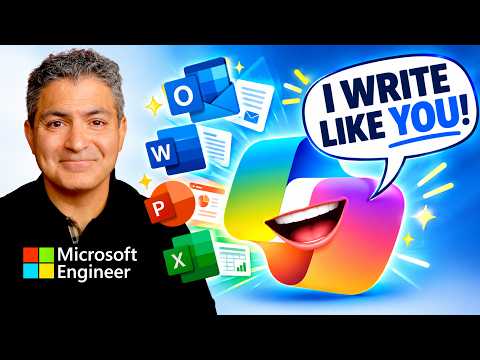
Copilot Writes Like Me — Easy Setup
von HubSite 365 über Shervin Shaffie (Collaboration Simplified)
Principal Technical Specialist @ Microsoft | Engineer | YouTuber
Unlock Microsoft Copilot personalization to craft voice and tone with easy setup for powerful Microsoft apps writing
Key insights
- Copilot: Microsoft’s AI assistant lives inside apps like Word and Outlook to help you draft, rewrite, summarize, and adjust tone directly in your document.
- In-context editing: Copilot rewrites selected text, continues from your cursor, and can pull referenced files so edits stay grounded in your own material instead of a separate chat window.
- Setup: You need an eligible Microsoft 365 subscription or Copilot license; open Word, place the cursor where you want content, open Copilot, and give a simple prompt with topic, audience, tone, format, and length.
- Workflow: Start from your notes or a rough paragraph, ask Copilot to rewrite in your tone, then refine with follow-up prompts until the draft matches your voice.
- Benefits: Working inside the document reduces friction, speeds iteration, offers alternative phrasings, and helps preserve your personal style while explaining edits.
- Where to use: The same writing assistance appears across Word, Outlook, Teams, SharePoint, Excel, PowerPoint, and OneNote for consistent, in-app drafting and edits.

Keywords
Copilot write like me, personalize Copilot writing voice, easy Copilot setup, customize Copilot for writing, Copilot writing style guide, Microsoft Copilot writing tips, Copilot prompt engineering tips, make Copilot sound like me